Albania
 Argentina
 Australia
 Austria
 Belgium
 Bosnia and Herzegovina
 Brazil
 Bulgaria
 Canada
 Chile
Chile
 Colombia
 Croatia
 Czech Republic
 Denmark
 Estonia
 Finland
 France
 Germany
 Greece
 Hungary
 Ireland
 Italy
Italy
 Latvia
 Lithuania
 Luxembourg
 Mexico
 Moldova
 Montenegro
 Netherlands
 New Zealand
 North Macedonia
 Norway
 Philippines
 Poland
 Portugal
 Romania
 Serbia
 Slovakia
 Slovenia
 South Africa
 Spain
Spain
 Sweden
 Switzerland
 Turkey
 Ukraine
 United Kingdom
 United States of America



Digital audio converters
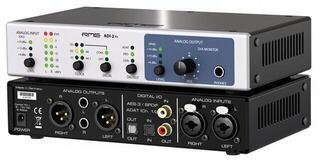
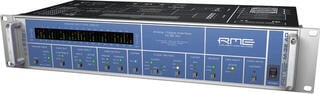
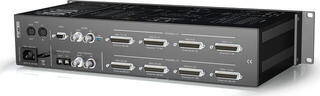
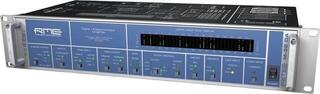
A digital converter transfers audio between analogue and digital formats or converts one digital format into another. In the studio, you can use it to expand an existing system, connect devices with different interfaces or separate conversion from the other functions of an audio interface. Choose the right model according to the direction of conversion, number of channels, connectors and synchronisation method. Before ordering, draw the signal path from the source through to recording or monitoring; you will quickly see which connections are still missing.
What the device needs to convert
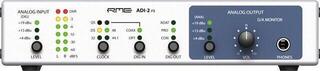
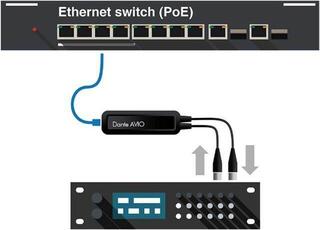
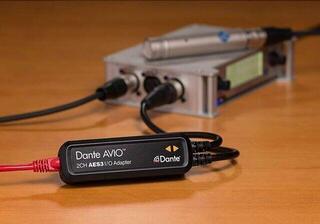
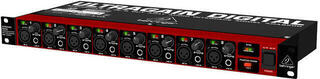
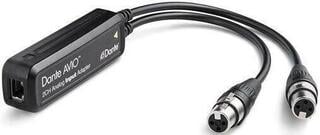
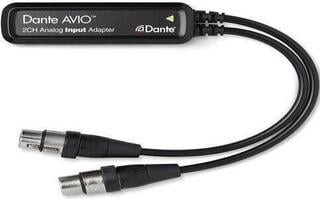
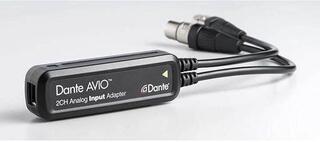
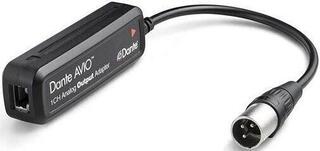
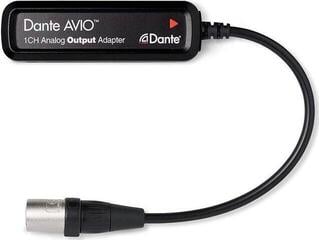
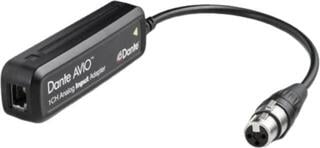
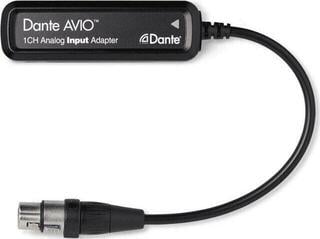
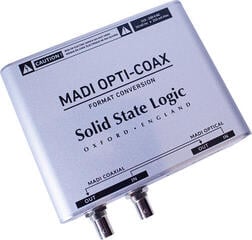
The term “converter” covers several different tasks. An AD converter turns an analogue signal from a preamp or mixing console into digital data, while a DA converter performs the opposite step for an amplifier or monitors. A combined AD/DA model handles both directions. A format converter does not necessarily process analogue audio at all: it may simply transfer a digital signal between optical, coaxial, AES/EBU, USB or network interfaces.
| Task | Typical use | What must match |
|---|---|---|
| AD conversion | Recording an analogue output into a digital system | Input level, number of channels, digital output |
| DA conversion | Monitoring a digital source through analogue equipment | Digital input, analogue outputs, level control |
| AD/DA conversion | Bidirectional studio expansion | Simultaneous operation of inputs and outputs, routing |
| Digital format conversion | Connecting devices with different digital ports | Source and target formats and the number of channels transmitted |
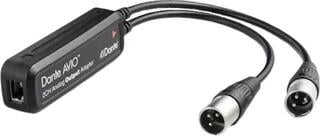
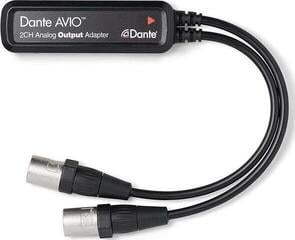
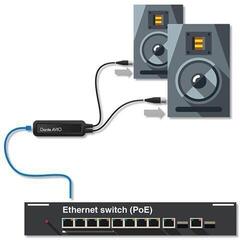
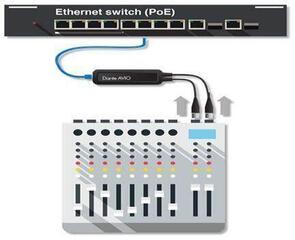
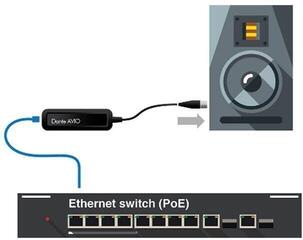
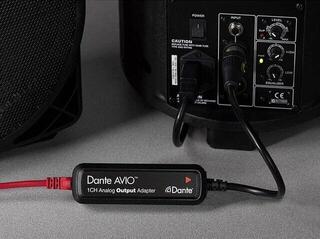
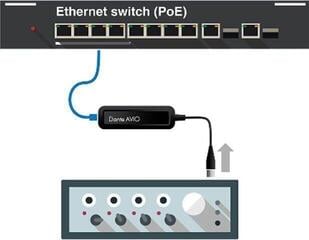
| Network audio | Distributing multiple channels over a data network | Supported protocol, network infrastructure and configuration |
Channels, resolution and connectors
The number of physical sockets may not be the same as the number of channels transmitted through a single digital port. Therefore, check the specifications for the particular format and operating mode. With some interfaces, a higher sample rate reduces the number of available channels. The maximum value alone tells you little; every component in the system must support the same setting. The bit depth and sample rate should match the project, recording software and target device.
Analogue side
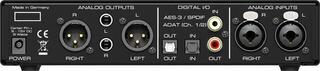
Distinguish between microphone, instrument and line level. A line-level converter generally does not replace a microphone or phono preamp unless the manufacturer explicitly states that it provides this function. For balanced connections, check the XLR or TRS connectors, and with unbalanced lines allow for greater susceptibility to interference. Also check whether the input and output levels can be adjusted separately.
Digital side
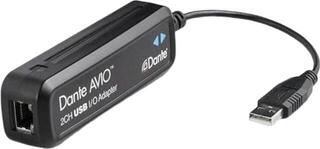
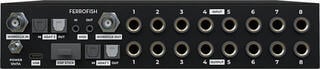
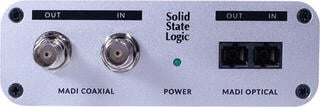
An optical connector alone does not indicate which protocol it carries. Likewise, a coaxial digital connection must not be confused with a standard analogue RCA connection simply because the sockets look similar. Compare the format name, connector and permitted mode on both devices. If you are connecting the converter directly to a computer, check the supported operating system, drivers and whether the manufacturer specifies stand-alone operation without a computer.
Synchronising multiple digital devices
Digital components must use a shared clock signal. One device usually acts as the clock source, while the others synchronise to it through a digital input or word clock. Two devices simultaneously configured as the source may cause clicks, dropouts or an unstable connection. A BNC socket does not automatically mean it can be used freely as either an input or an output; check its direction and any required termination in the manual.
- Choose one main device to provide the clock signal.
- On the other devices, select the correct external source and the same sample rate.
- After connecting them, check the synchronisation lock indicator.
- When expanding the system, check the order, cabling and clock settings again.
Separate converter or audio interface?
If you need to record several sources directly into a computer while monitoring the result, an audio interface may be more practical because it combines conversion, a computer interface and often preamps as well. A separate converter makes sense when expanding an existing working system, when using a specific digital format or where you want to use the conversion without a computer. For simple portable recording, a digital recorder may be more suitable.
The monitoring path has its own requirements. The converter output must be suitable for the next component, and its level must be set without overloading the input. When working with studio monitors, check whether the volume will be controlled by the converter, a monitor controller or another device; two ambiguously configured controls make repeatable monitoring more difficult.
Checks before ordering
- List all sources and destinations, including their connectors, levels and digital formats.
- Determine the required number of input and output channels used simultaneously.
- Compare the supported modes at the sample rate you use.
- Decide which device will be the clock source and which cable will carry the synchronisation signal.
- Check the drivers, power supply, stand-alone operation options and included accessories according to the specifications of the particular model.
Mains power may be suitable in a studio rack, while USB or battery power may be preferable for field recording. The place of use therefore matters, not just convenience. For rack installation, measure the available height and depth, including the connectors. For a desktop device, leave access to the cables and controls. This way, you will choose a converter according to the actual signal path rather than a single number in the technical specifications.