Albania
 Argentina
 Australia
 Austria
 Belgium
 Bosnia and Herzegovina
 Brazil
 Bulgaria
 Canada
 Chile
Chile
 Colombia
 Croatia
 Czech Republic
 Denmark
 Estonia
 Finland
 France
 Germany
 Greece
 Hungary
 Ireland
 Italy
Italy
 Latvia
 Lithuania
 Luxembourg
 Mexico
 Moldova
 Montenegro
 Netherlands
 New Zealand
 North Macedonia
 Norway
 Philippines
 Poland
 Portugal
 Romania
 Serbia
 Slovakia
 Slovenia
 South Africa
 Spain
Spain
 Sweden
 Switzerland
 Turkey
 Ukraine
 United Kingdom
 United States of America



Studio Microphones
Choose a studio microphone according to the sound source, the room and the connection method, not just by the appearance or popularity of a particular type. Detailed vocals in a treated room have different requirements from a loud guitar amplifier or a conversation at a desk. This category includes condenser, dynamic, ribbon, instrument, vocal, stereo and USB models. First identify the main source and how you work; only then compare sensitivity, polar pattern and accessories. Noise in the room and the type of inputs already available in your recording setup are equally important.
The microphone type determines how you work
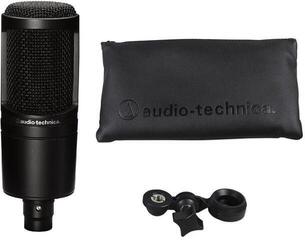
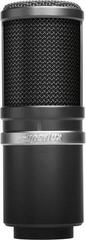
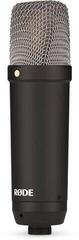
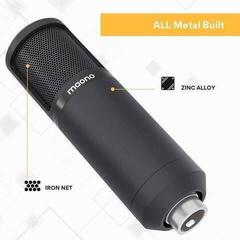
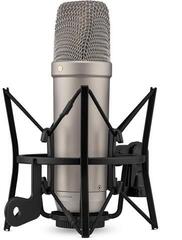
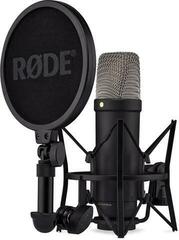
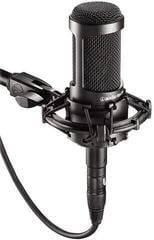
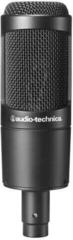
Condenser microphones are often chosen for vocals, acoustic instruments, spoken word and sources where you want to capture fine details. Most studio models need phantom power from a mixing console or audio interface. Higher sensitivity also means that the microphone may capture room reflections, a computer fan or traffic outside the window. In a room without acoustic treatment, a less sensitive microphone in a well-chosen position may be more sensible than a condenser model that records the computer and reflections from the walls as well.
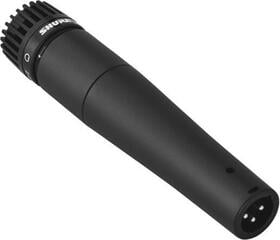
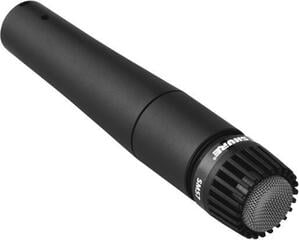
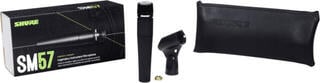
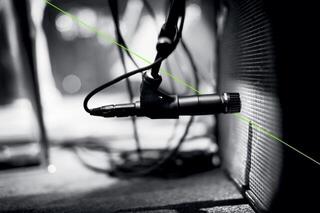
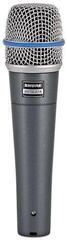
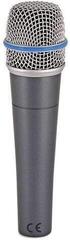
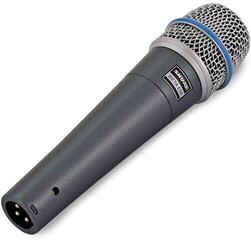
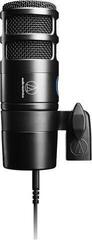
A dynamic microphone handles loud sources and usually emphasizes the room less. It suits a guitar amplifier, drums, energetic vocals and any situation where you need durable working equipment. Its output may be lower, so check whether the preamp has sufficient clean gain available. A ribbon microphone is more appealing for its softer rendering of high frequencies. Handle it carefully and check the power requirements in the manual before connecting it.
| Design | Typical use | What to expect |
|---|---|---|
| Condenser | Vocals, acoustic instruments, spoken word, details | Sensitive to the room; often needs phantom power |
| Dynamic | Loud instruments, amplifiers, drums, pronounced vocals | Lower sensitivity may require more gain |
| Ribbon | Recordings where you seek softer highs and a distinctive character | Careful handling and checking the recommended connection |
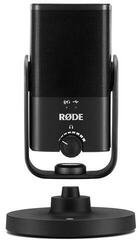
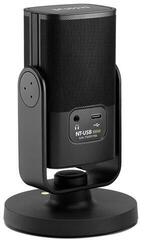
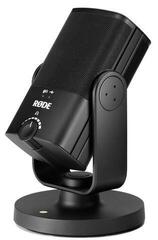
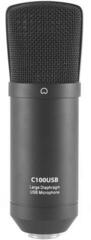
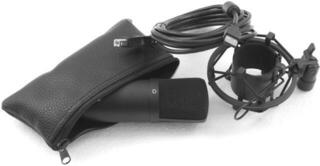
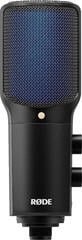
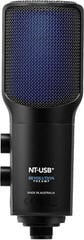
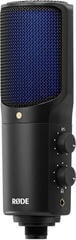
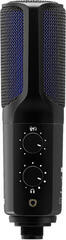
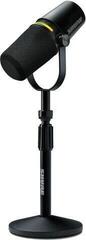
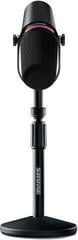
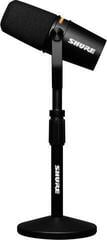
| USB | Simple recording of voice or one source to a computer | Fewer expansion options than with a separate interface |
Large or small diaphragm
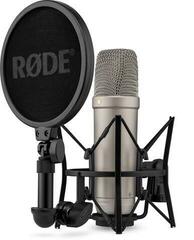
A large-diaphragm microphone is often used for solo vocals, voice-over work and close-miked instruments. Its sound may seem fuller, and at a short distance the proximity effect, meaning an increase in bass, is more pronounced. Small-diaphragm models prove effective with acoustic instruments, cymbals and stereo setups, where accurate transient response and consistent off-axis pickup matter. This is not a fixed rule. The result is always affected by the specific microphone, its position and the room.
Polar pattern in practice
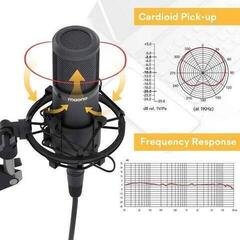
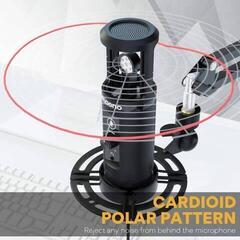
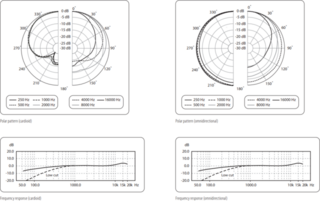
- Cardioid favors sound from the front and helps reduce pickup from the rear. Point its least sensitive area toward the unwanted source.
- Omnidirectional receives sound from all directions. It can capture a natural sense of space, but needs suitable acoustics.
- Bidirectional picks up from the front and rear while rejecting the sides. You can use it for some duets and stereo techniques.
- Switchable gives you more options in one body; still, check the correct orientation for every mode.
Connecting to a recording setup
You connect a model with an XLR output to a microphone preamp. This is often part of a USB audio interface or mixing console and may provide phantom power for a condenser microphone. Before switching it on, turn down the monitor volume, check the cable and follow the microphone manual. Set the level so that the loudest part of the performance has headroom and is not distorted.
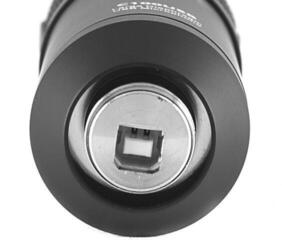
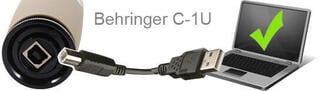
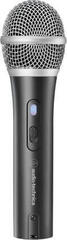
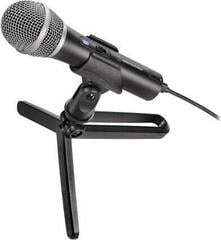
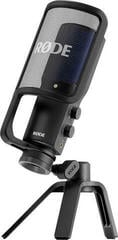
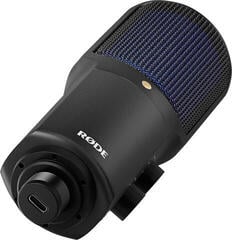
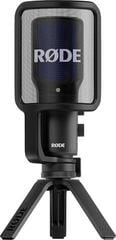
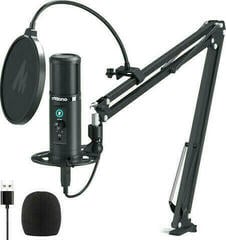
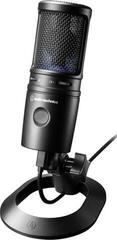
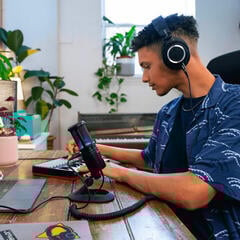
A USB microphone includes a converter and a basic audio interface, so you connect it directly to a computer. It is suitable when you record a commentary, online broadcast, work call or simple demo at a desk. If you later plan to record more microphones at once, use a separate headphone mix or change preamps, a setup with an XLR microphone offers a clearer route for expansion.
Vocals, instruments and drums
For vocals, start at a distance of roughly a handspan and use a pop filter. Moving a few centimetres often changes sibilance, the amount of bass and the ratio of direct sound to room more than later processing does. With an acoustic guitar, do not automatically aim at the sound hole; try the area where the neck joins the body and fine-tune the position by ear. Record a loud amplifier or drum with input headroom and place the microphone so it does not get in the player's way.
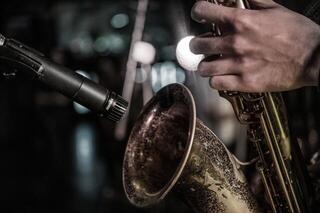
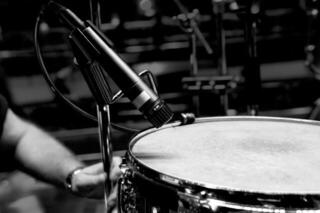
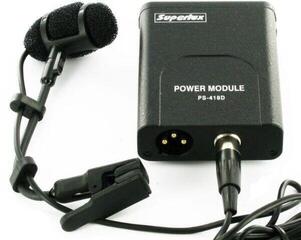
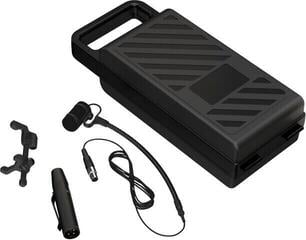
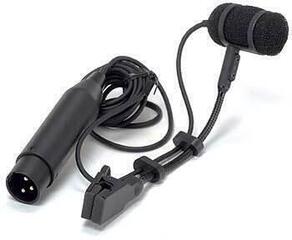
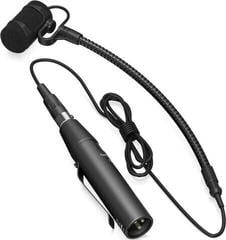
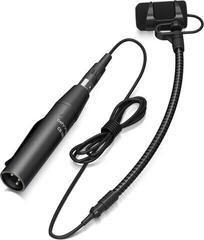
With drums, you can start with fewer microphones and first resolve their relative positions. When you add more tracks, check phase and listen to the recording in mono as well. Instrument condenser and dynamic microphones are adapted to different sources; stereo microphones or a matched pair, in turn, help create a spatial image. The label “vocal” or “instrument” is useful guidance, not a ban on other uses.
The room is part of the recording
Empty walls and corners create reflections that cannot be easily removed from a track. Before buying another microphone, try changing the performer's position, recording direction and distance from the walls. Purpose-designed studio acoustic elements help address early reflections and low frequencies, but must be positioned according to the specific room. An improvised soft surface may reduce some high frequencies, but it does not replace considered acoustic treatment.
Accessories with practical value
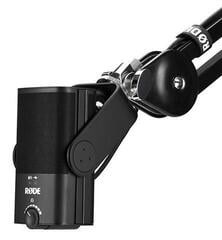
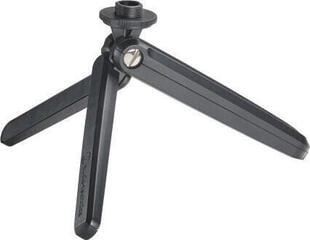
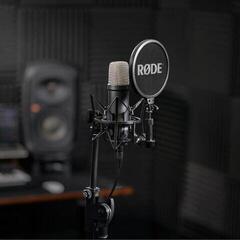
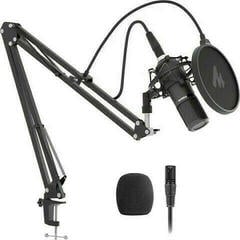
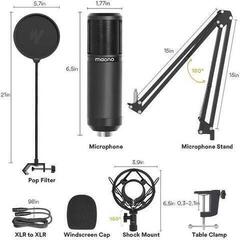
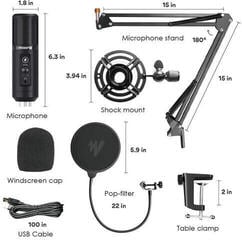
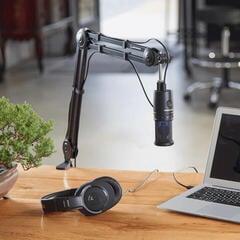
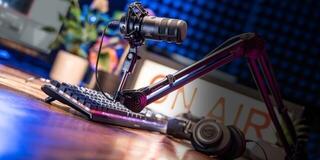
- A sturdy stand holds the microphone in position and reduces contact with the body or desk.
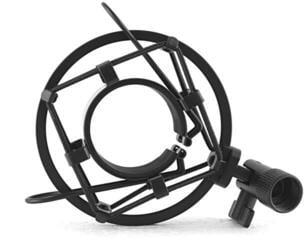
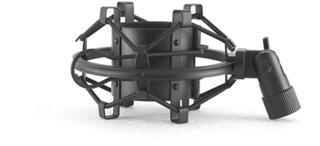
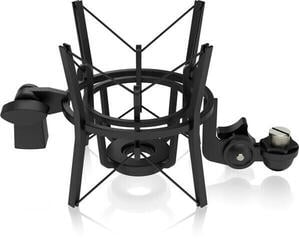
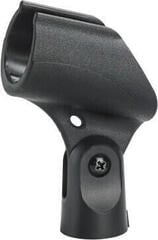
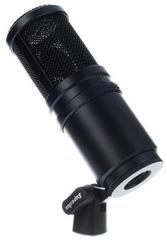
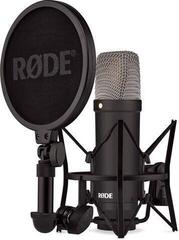
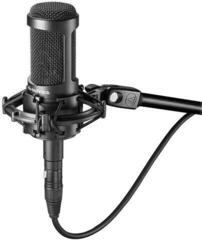
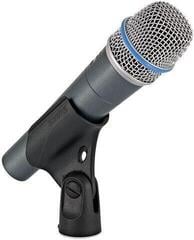
- A shock mount dampens vibrations transmitted through the structure; it must fit the dimensions.
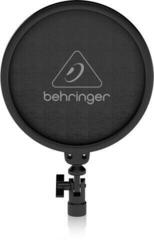
- A pop filter reduces strong bursts of air on consonants without placing the singer too far away.
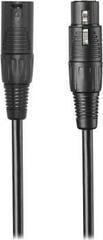
- A well-terminated balanced cable helps maintain a reliable connection, but it cannot save an overloaded input on its own.
- Closed-back headphones reduce backing-track bleed back into the microphone during recording.
Check before deciding
List the loudest and quietest source you will record, the available inputs and the condition of the room. Check the power supply, connector, mount dimensions and whether the package includes a stand adapter or case. Judge recordings through neutral studio monitors and headphones; it then becomes easier to separate differences between microphones from the coloration of the playback setup. Make the final choice according to your workflow, not a list of features you will not use while recording.

Studio Condenser Microphones
USB Microphones
Instrument Condenser Microphones
Instrument Dynamic Microphones
Ribbon Microphones

Drum Microphones
Stereo Microphones
Vocal Condenser Microphones

Vocal Dynamic Microphones
Boundary microphones

Small diaphragm condenser microphones

Podcast microphones
Microphone Accessories