Albania
 Argentina
 Australia
 Austria
 Belgium
 Bosnia and Herzegovina
 Brazil
 Bulgaria
 Canada
 Chile
Chile
 Colombia
 Croatia
 Czech Republic
 Denmark
 Estonia
 Finland
 France
 Germany
 Greece
 Hungary
 Ireland
 Italy
Italy
 Latvia
 Lithuania
 Luxembourg
 Mexico
 Moldova
 Montenegro
 Netherlands
 New Zealand
 North Macedonia
 Norway
 Philippines
 Poland
 Portugal
 Romania
 Serbia
 Slovakia
 Slovenia
 South Africa
 Spain
Spain
 Sweden
 Switzerland
 Turkey
 Ukraine
 United Kingdom
 United States of America



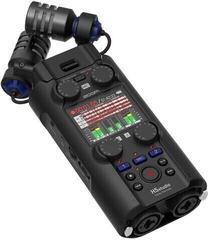
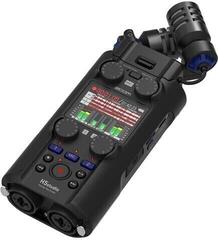
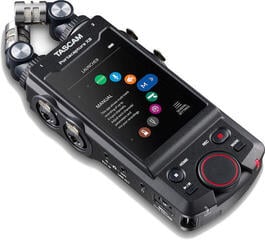
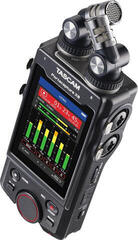
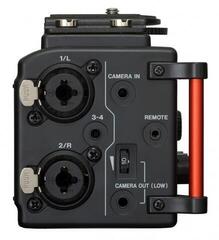
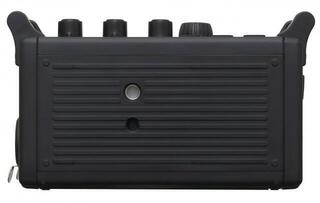
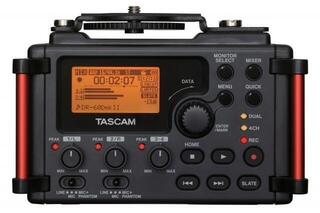
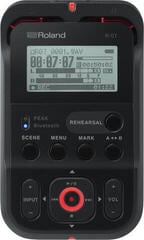
Digital Recorders
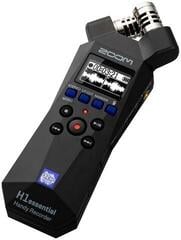
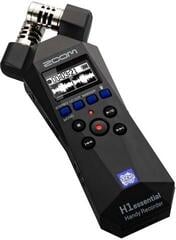
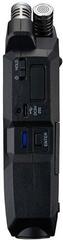
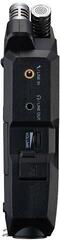
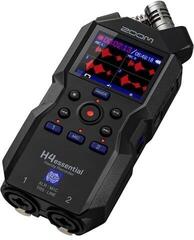
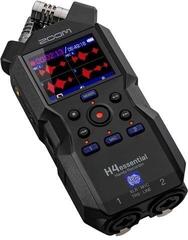
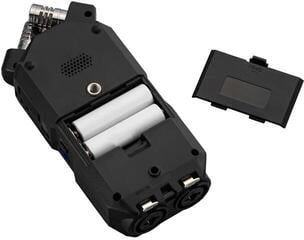
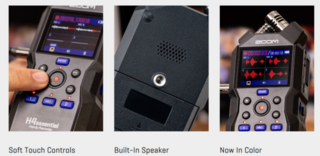
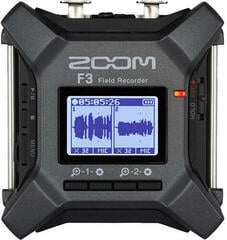
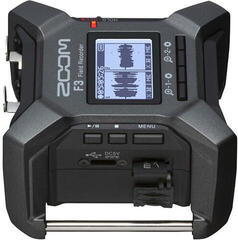
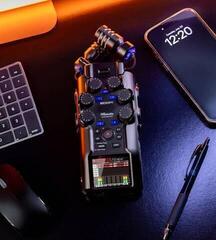
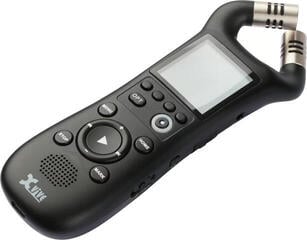
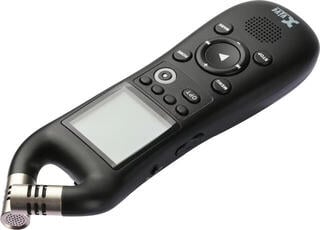
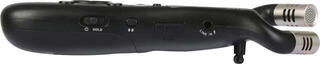
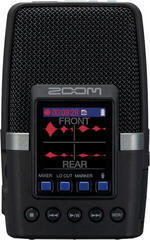
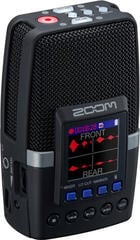
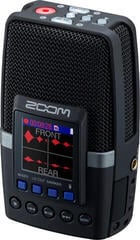
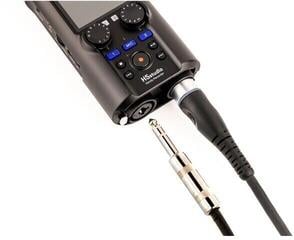
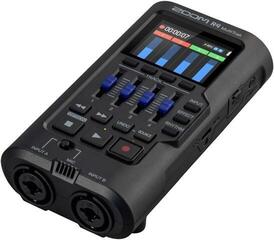
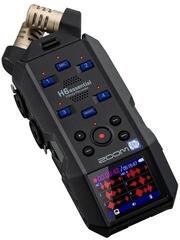
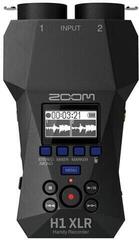
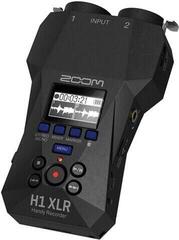
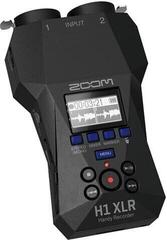
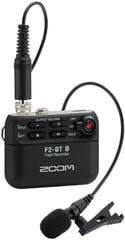
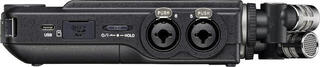
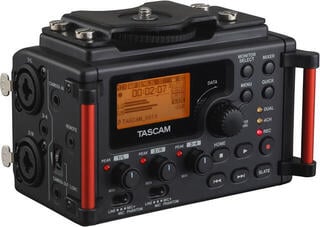
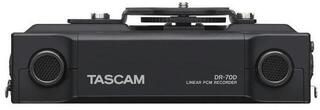
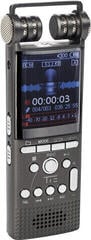
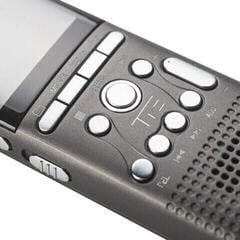
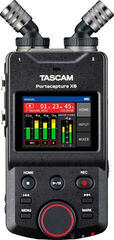
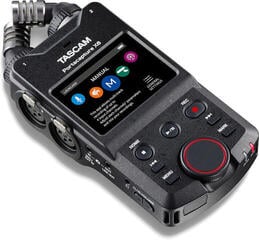
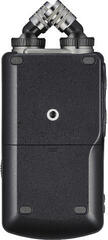
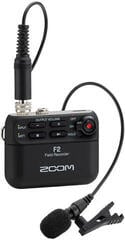
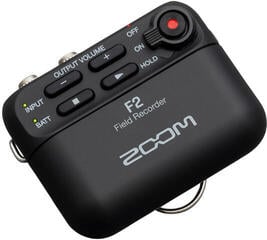
A digital recorder captures a rehearsal, concert, interview, location ambience, or multitrack studio project without requiring you to build an entire computer system. In this category, you will find portable recorders, stereo and mastering devices, as well as multitrack solutions for standalone work. The differences are not only in the number of tracks, but also in inputs, microphones, recording media, power supply, and editing options. Choose according to what you want to record and how many sources you need to capture separately.
First, clarify your recording method
A compact model with built-in microphones is sufficient for a quick rehearsal note. An interview or location sound places greater emphasis on simple operation, quiet handling, and the option to connect a suitable external microphone. A band needs more inputs and separate tracks so that instruments can be edited after recording. For mastering or archiving a stereo output, you mainly need clear handling of a two-channel signal and reliable file transfer.
| Recorder type | Typical task | When choosing, look for |
|---|---|---|
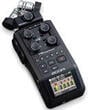
| Portable | Ideas, rehearsals, interviews, and location sound | Built-in microphones, power supply, dimensions, and wind protection |
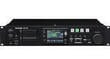
| Stereo or master | Two-channel recording of a mix and final output | Inputs, file formats, and level control method |
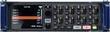
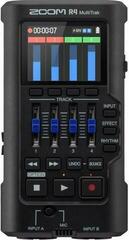
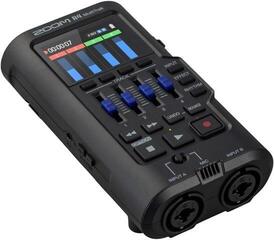
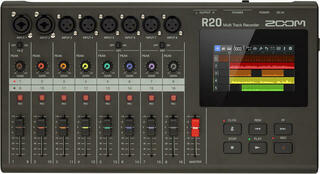
| Multitrack | Separate recording of multiple instruments | Number of simultaneous inputs, tracks, routing, and mixing options |
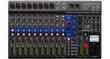
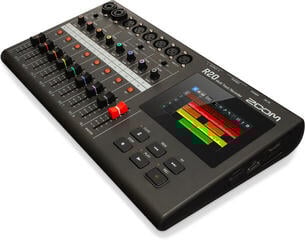
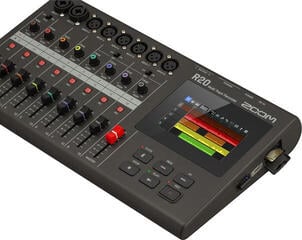
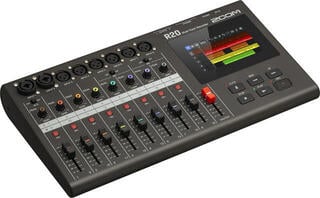
| Compact studio | Recording, editing, and mixing without a computer | Workflow, effects, storage, and project export |
Inputs matter more than the total number of tracks
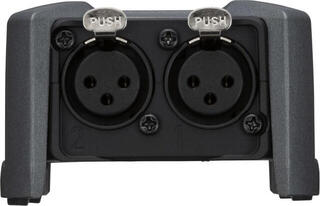
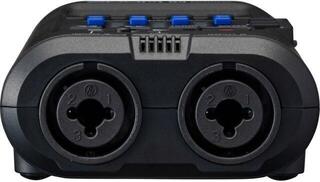
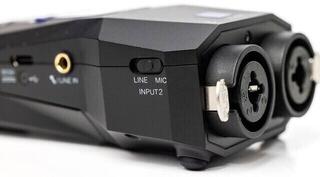
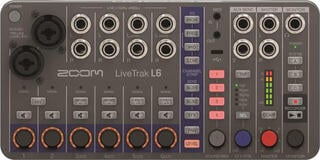
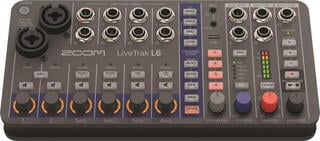
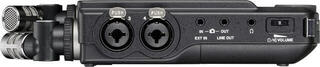
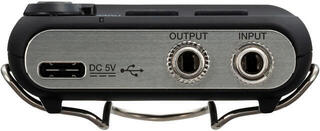
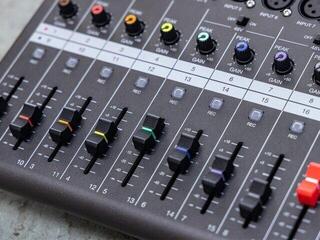
The track specification may indicate the number of playback tracks, not the number of sources you can record at once. If you want to record drums, a group, or several speakers, count the microphone and line inputs needed simultaneously. Check the connector types, availability of microphone power, and the option to set the level for each channel. An instrument output, line signal, and microphone do not have the same level, so connect them to the input intended for that signal.
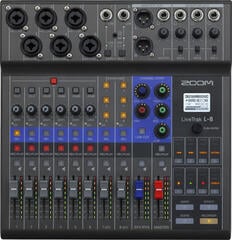
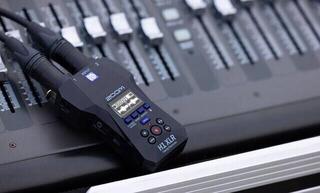
In a larger setup, the recorder can receive the output from a mixing console. This lets you capture a finished stereo mix, but the options for later correction of individual instruments are limited. Separate multitrack recording leaves more room for correction during mixing. However, it requires more complex connections, monitoring of multiple levels, and more space on the media.
Microphones and location work
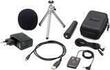
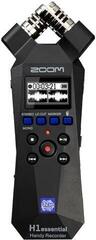
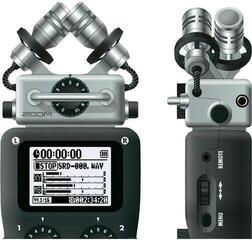
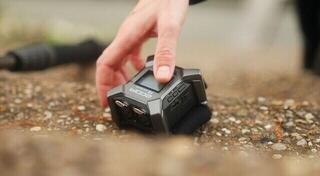
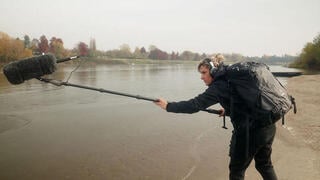
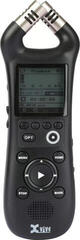
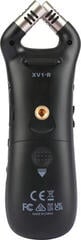
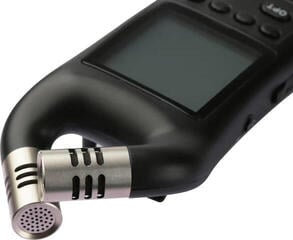
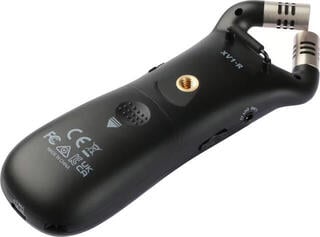
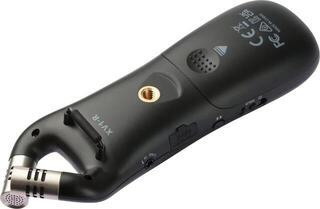
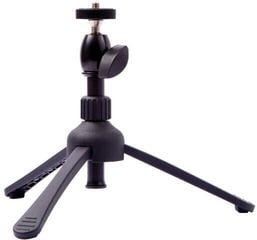
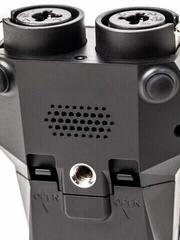
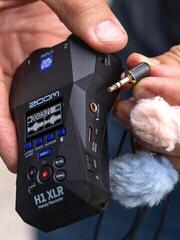
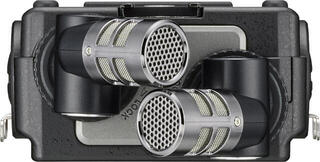
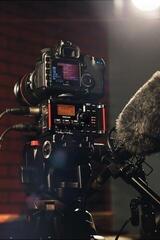
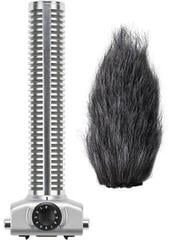
Built-in stereo microphones are practical because you can start recording without additional cables. Their orientation affects the width of the stereo image and sensitivity to surrounding sounds. When holding the recorder in your hand, handling noise and movement can transfer to the recording; a tripod, mount, or shock mount helps. Outdoors, allow for wind protection, because a filter alone cannot replace protection against strong gusts of air.
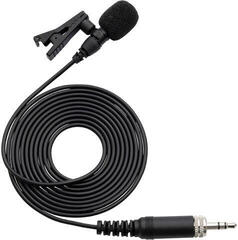
Choose an external microphone according to the source and environment. A dedicated studio microphone may suit studio work, while an interview in a noisy space requires more focused pickup and suitable placement. Always do a test with headphones before an important recording. A level meter will not reveal cable scraping, wind, or distracting room noises as reliably as monitoring.
Recording format and level setting
An uncompressed format is suitable for further editing, while a more data-efficient recording can be practical for long notes or immediate sharing. Higher resolution creates larger files and does not by itself rescue an overloaded input or poor microphone placement. For the result, it is essential to set the level with headroom, monitor the loudest passages, and avoid digital clipping.
- Automatic level control helps with unpredictable speech, but it may change the audibility of the background.
- A limiter can catch short peaks; it is not a substitute for properly set sensitivity.
- Pre-recording is useful for events that begin without warning.
- Markers in the file make it easier to navigate a long recording.
- A separate safety track at a lower level provides headroom if the model supports it.
Storage, battery life, and file management
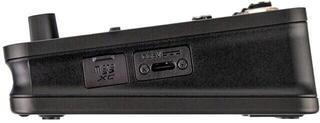
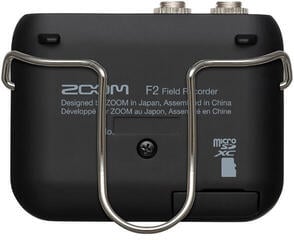
Check the supported type and capacity of the memory card as well as the recommended formatting. Prepare the card in the recorder and copy its data before formatting, because this step erases the contents. The estimated remaining time depends on the format, number of channels, and selected resolution. With multitrack recording, the media fills up significantly faster than with a single stereo track.
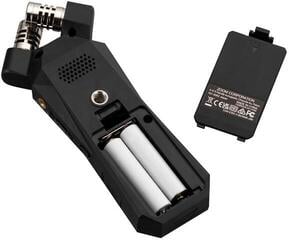
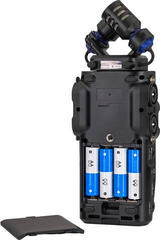
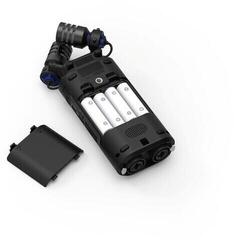
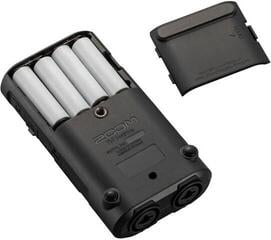
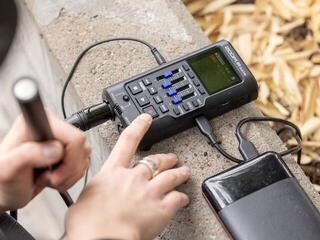
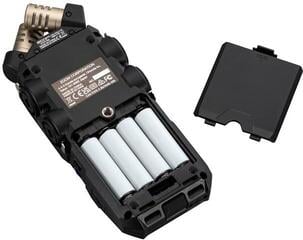
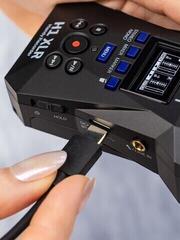
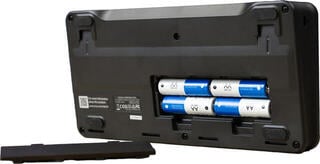
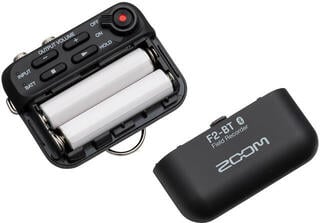
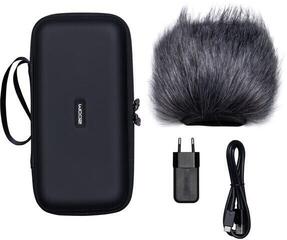
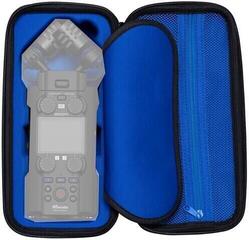
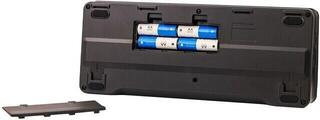
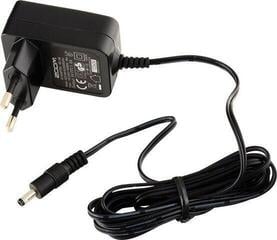
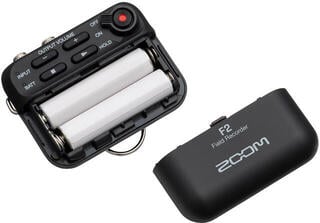
When travelling, you will appreciate replaceable batteries or the option to power the device from an external source. Battery life is affected by the use of microphone power, display, wireless functions, and the number of active inputs. Take a prepared spare set and test it before the event; suitable cases and accessories for audio equipment will protect the recorder, cables, and small adapters during transport.
Check before pressing record
- Insert a formatted card and verify that there is enough free space.
- Set the format, number of channels, and project name before the rehearsal.
- Connect the sources, turn on the required microphone power, and set the input sensitivity.
- Play the loudest section, leave headroom, and check each channel in headphones.
- Start recording in advance and verify that the timer is actually running.
Monitoring and backup during long recording
During a concert or interview, continuously monitor the remaining capacity, power status, and recording indicator. Test functions such as automatic file splitting in advance so that no unwanted gap occurs between sections. If the recorder allows simultaneous recording to two media, check the saving and recovery method, but even this function does not replace subsequent backup. After finishing, allow the file to close correctly and do not switch off the device while writing to the card.
Standalone recorder or computer
A recorder starts quickly, is easy to carry, and with a suitable model can handle recording without an additional system. A computer with an audio interface offers broader editing options, visual project monitoring, and work with software instruments. Both approaches can complement each other: you capture the sound independently and then transfer the files to a computer for editing, mixing, or archiving.
When transferring, preserve the original files and create a working copy. Store important material in at least two separate locations before using the card again. Let the real number of simultaneous inputs, the environment, and the scope of editing directly in the device determine your recorder choice. An additional function is useful only if it does not slow you down during the recording itself.