Albania
 Argentina
 Australia
 Austria
 Belgium
 Bosnia and Herzegovina
 Brazil
 Bulgaria
 Canada
 Chile
Chile
 Colombia
 Croatia
 Czech Republic
 Denmark
 Estonia
 Finland
 France
 Germany
 Greece
 Hungary
 Ireland
 Italy
Italy
 Latvia
 Lithuania
 Luxembourg
 Mexico
 Moldova
 Montenegro
 Netherlands
 New Zealand
 North Macedonia
 Norway
 Philippines
 Poland
 Portugal
 Romania
 Serbia
 Slovakia
 Slovenia
 South Africa
 Spain
Spain
 Sweden
 Switzerland
 Turkey
 Ukraine
 United Kingdom
 United States of America



Hi-Fi Cables
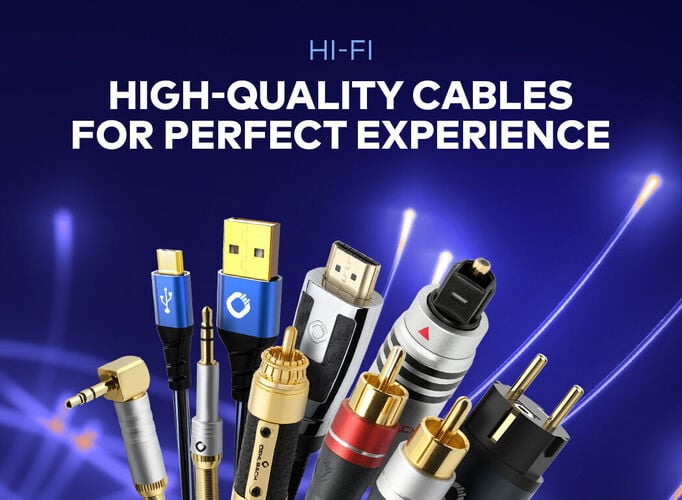
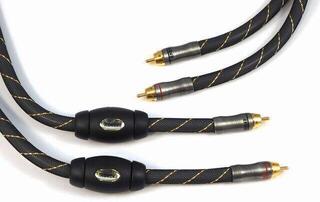
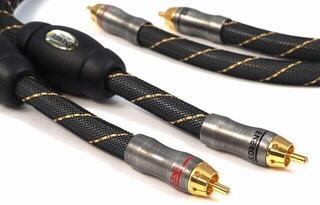
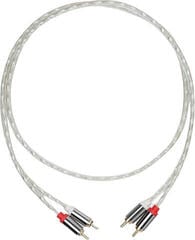
Choose a Hi-Fi cable according to the devices you want to connect and the connectors at both ends. The direction of transmission, required length and routing between furniture, electronics and speakers also matter. A connector's appearance alone may not confirm the signal type, so check the input and output labels in the device manual. Above all, the right cable should provide a reliable and safe connection without unnecessary tension.
Hi-Fi cables by connection type
First determine whether you are connecting a signal source to an amplifier, an amplifier to speakers or digital devices to each other. Analogue line-level, turntable, digital and speaker wiring have different purposes and cannot be interchanged merely because their connectors look similar. Also check whether you need one cable, a stereo pair or separate wiring for the left and right channels.
| Connection type | Common connectors | What it is used for | What to check before choosing |
|---|---|---|---|
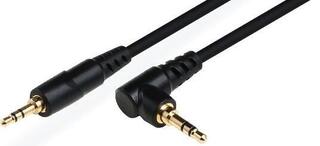
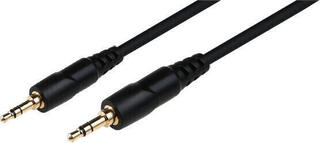
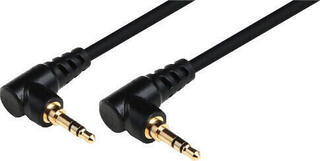
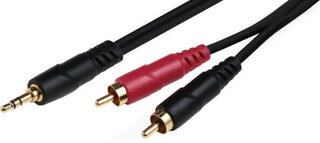
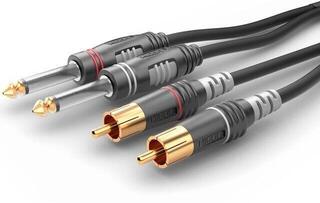
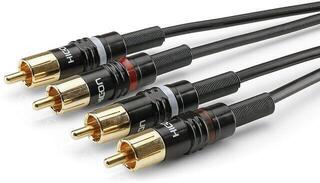
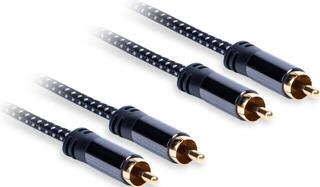
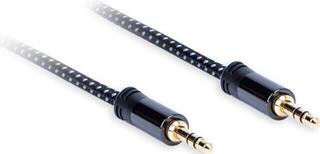
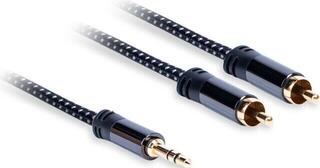
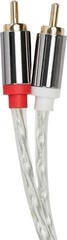
| Analogue unbalanced | RCA, 3.5 mm jack, 6.3 mm jack | Connecting a source, preamplifier, amplifier or active speakers | Input and output type, number of channels and jack connector wiring |
| Analogue balanced | XLR, or a TRS jack depending on the device | Connecting devices with balanced inputs and outputs | Whether both devices actually use the same type of balanced wiring |
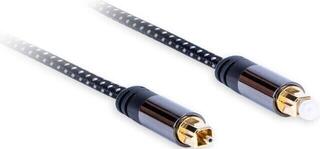
| Digital optical | Toslink or, where applicable, mini-Toslink | Transmitting a digital audio signal between compatible devices | Connector shape, supported input and output, and gentle routing without sharp bends |
| Digital coaxial | Usually an RCA connector labelled coaxial or S/PDIF | Connecting a source digitally to a converter, receiver or amplifier | The digital port label; a regular analogue RCA input is not a substitute |
| USB | USB to match the device connectors | Connecting a computer, player or other source to a compatible audio device | Connectors at both ends, the port's data function and device requirements |
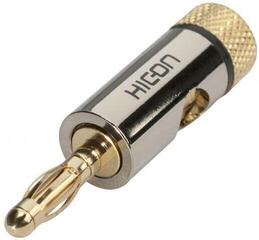
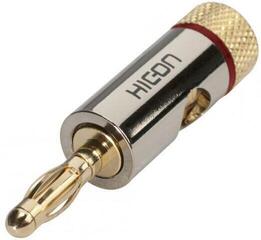
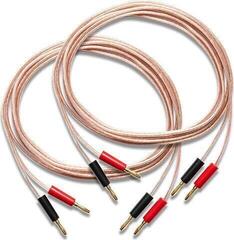
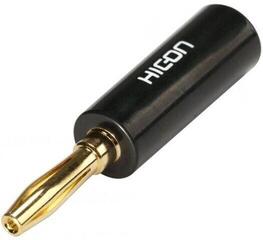
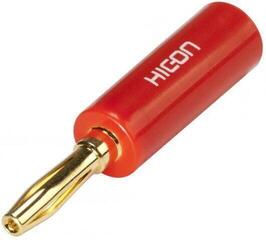
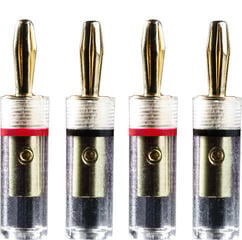
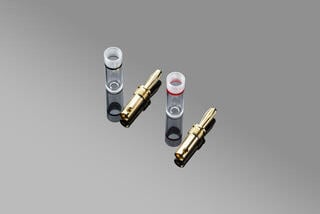
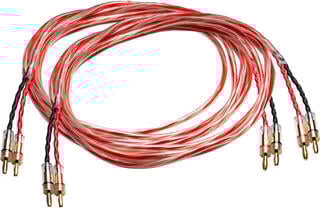
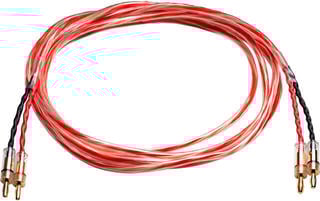
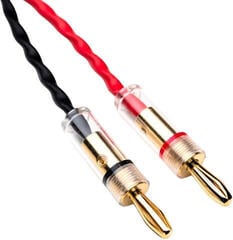
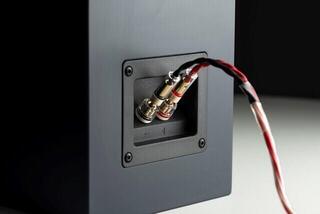
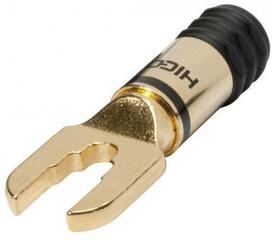
| Speaker | Bare wire, banana plug, spade connector or a manufacturer-specified connector | Connecting a power amplifier to passive speakers | Accepted termination method, polarity, length of both runs and secure attachment |
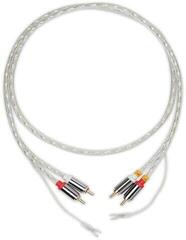
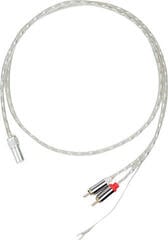
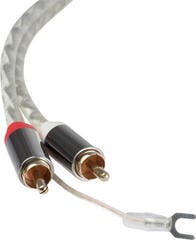
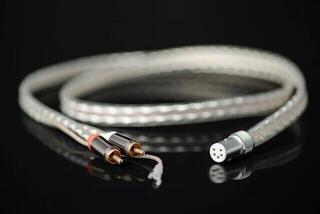
| Turntable and tonearm | RCA or specialised connectors to suit the tonearm and turntable | Connecting a turntable or tonearm to a phono input or preamplifier | Connectors, grounding wire, connection direction and manufacturer requirements |
Connectors at both ends
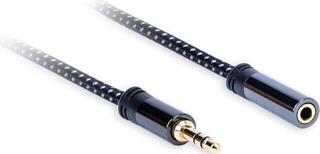
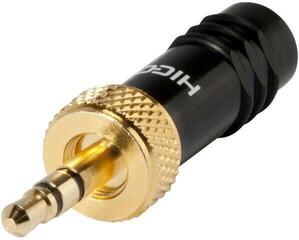
Write down the exact label of the first device's output and the second device's input. It is not enough to know that both ports look like RCA or jack connectors: the same mechanical design may carry a different signal or number of channels. For jack connectors, check both the diameter and number of contacts. For XLR, verify the number of pins and the port's purpose; for USB, check the specific connector shape and whether the port carries data.
Only use an adapter when the electrical signal type and wiring of both devices are compatible. A passive adapter cannot convert an analogue signal to digital by itself or add a function the port lacks. If you are connecting a turntable, distinguish between a line output and a phono output and follow the documentation for both the turntable and amplifier. For specific tonearm connections, see Hi-Fi tonearm cables.
Cable length and routing
Measure the actual route from connector to connector, not just the straight-line distance between the devices. Add a reasonable allowance for connecting and pulling out the device and for a relaxed curve at the connector, but do not choose an unnecessarily long run. The cable must not hang from the socket with its full weight, be pinched by the edge of furniture or be pulled taut across a passageway.
Route signal cables neatly and, where possible, separately from mains leads and power adapters. If they have to cross, do not tie them into a tight shared bundle. Do not kink or bend optical wiring sharply. Connect speaker cables with the amplifier switched off, maintain the same polarity on both channels and do not allow loose conductors to touch an adjacent terminal.
Checklist before choosing
- Identify the specific devices you are connecting and the direction in which the signal needs to travel.
- Check the label and function of the output and input in the manuals for both devices.
- Write down the type, size and design of the connector at each end.
- Distinguish between analogue, digital, turntable and speaker connections.
- Find out whether you need a mono cable, stereo cable, pair of cables or two speaker runs.
- Measure the planned route and leave some slack without creating taut loops.
- Check the space behind the device and the direction in which the connector will extend.
- For a turntable, check whether a separate grounding wire is required.
- For speakers, check the terminations supported by the terminals and the correct polarity.
- Plan the route away from places where the cable could be crushed, become a trip hazard or overheat.
Connection and subsequent checks
Switch devices off before connecting them, and disconnect the amplifier from the power supply when handling speaker wiring. Insert the connector straight and hold it by its body, not the cable; do not use force if it does not fit mechanically. After connecting, check that the connections are secure, the speaker polarity is correct and the right input is selected. If you experience dropouts, hum or crackling, switch the devices off first and then check the connectors, cable route and signal-type compatibility rather than repeatedly moving the cable during operation.
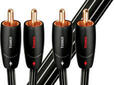
Deals & Coupons: Hi-Fi Cables
Hi-Fi Audio cables

Hi-Fi Video cables

Hi-Fi AUX cables

Hi-Fi USB cables

Hi-Fi Speaker cables

Hi-Fi Subwoofer cables

Hi-Fi Network cables

Hi-Fi Extension Audio cables

Hi-Fi Power cables

Hi-Fi Coaxial cables

Hi-Fi Optical cables
Hi-Fi Tonearm cables

Hi-Fi Connectors and adapters