Albania
 Argentina
 Australia
 Austria
 Belgium
 Bosnia and Herzegovina
 Brazil
 Bulgaria
 Canada
 Chile
Chile
 Colombia
 Croatia
 Czech Republic
 Denmark
 Estonia
 Finland
 France
 Germany
 Greece
 Hungary
 Ireland
 Italy
Italy
 Latvia
 Lithuania
 Luxembourg
 Mexico
 Moldova
 Montenegro
 Netherlands
 New Zealand
 North Macedonia
 Norway
 Philippines
 Poland
 Portugal
 Romania
 Serbia
 Slovakia
 Slovenia
 South Africa
 Spain
Spain
 Sweden
 Switzerland
 Turkey
 Ukraine
 United Kingdom
 United States of America



Effects and Signal Processors
Effects and signal processors alter sound, its dynamics, frequency response or the way it travels between devices. This category includes creative effects as well as technical tools for the studio, rack and stage. Do not choose by the number of features, but by the specific task: tone shaping, level control, signal splitting, input matching or system protection. Map out its position in the signal chain and the connectors required. Compare controls and dimensions only among devices that you can actually integrate into that chain.
Each task requires a different processor
Reverb and delay create space or repetitions, an equalizer adjusts selected frequency ranges, and a dynamics processor responds to level changes. A DI box matches an instrument connection to other audio equipment, a splitter divides the signal, and a patch panel makes repeated routing easier. A crossover directs frequency bands to the corresponding parts of the PA system. Devices are therefore not interchangeable simply because they all have an input, an output and a rackmount design.
| Group | What it addresses | What to compare |
|---|---|---|
| Spatial and modulation effects | Reverb, repetitions or movement in the sound | Effect types, setting storage, switching method |
| Equalizers | Frequency-response adjustment | Number and type of bands, channel count, controls |
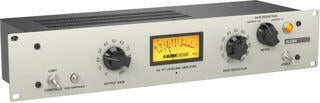
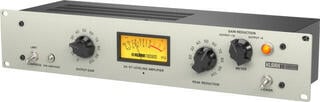
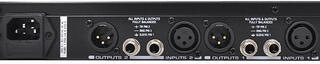
| Dynamics processors | Compression, limiting or dynamics shaping | Signal detection, channels, stereo linking and metering |
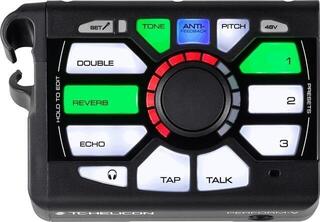
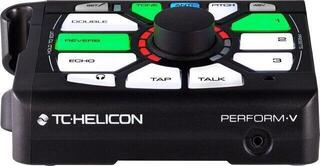
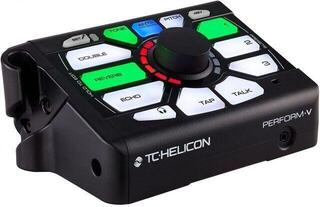
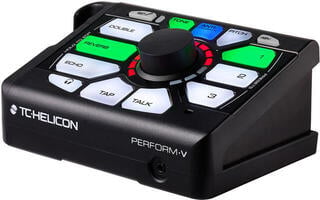
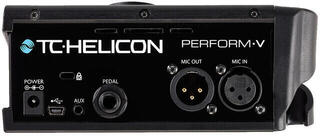
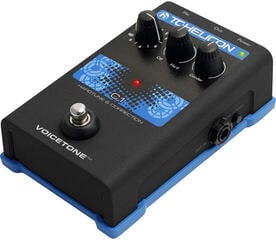
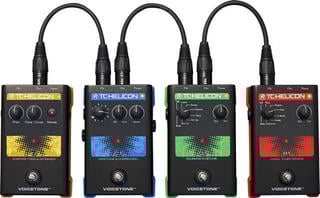
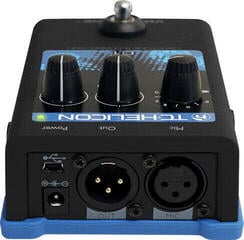
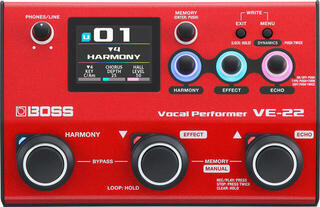
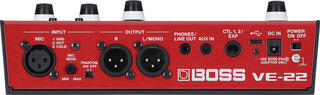
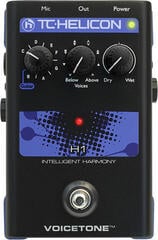
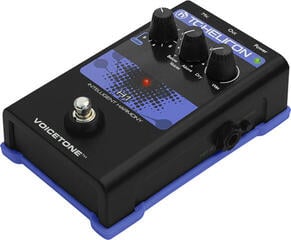
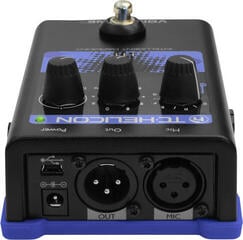
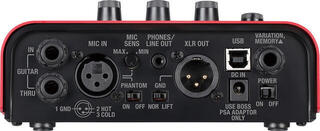
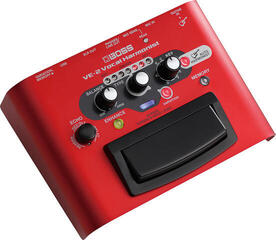
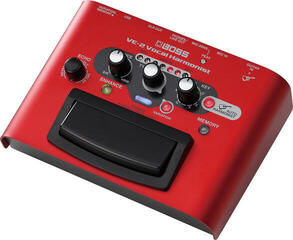
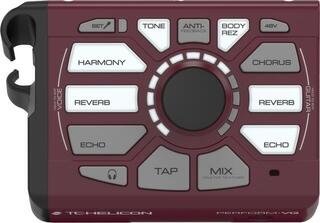
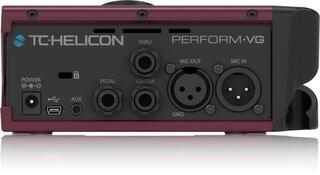
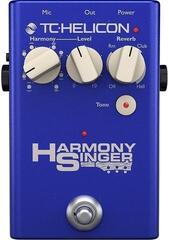
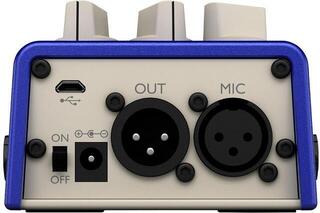
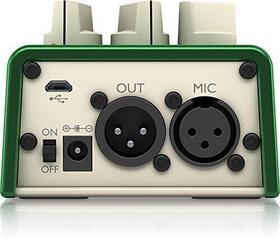
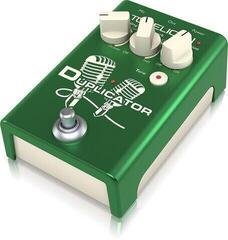
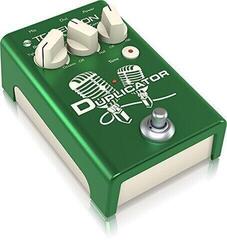
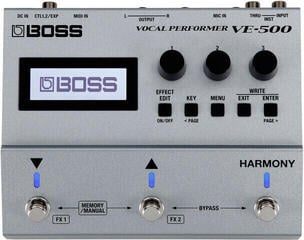
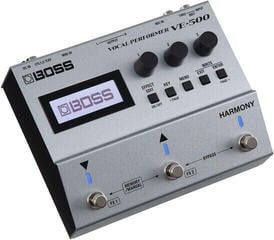
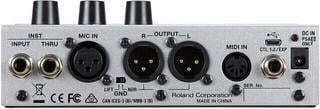
| Vocal processors | Effects, harmonies or vocal processing | Microphone input, foot control and routing |
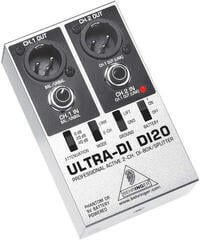
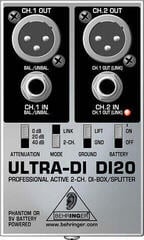
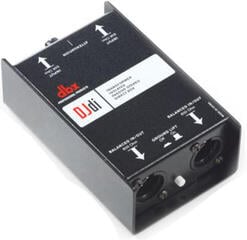
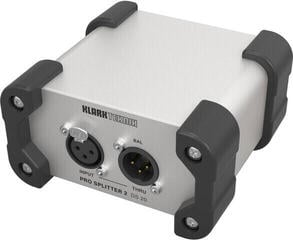
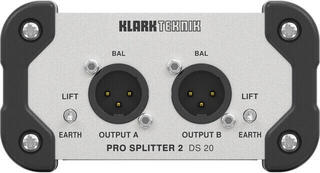
| DI boxes and splitters | Signal matching or splitting | Active or passive design, connectors and power supply |
| System processors | Band splitting, delay and protection settings | Inputs, outputs, software and setting protection |
Where to place the processor
An effect can be inserted directly into a single channel or connected through a mixing console's auxiliary bus. When inserted, it processes the entire signal of that channel; with a send and return, one spatial effect can serve multiple sources in different proportions. A dynamics processor is often inserted where it needs to control a specific signal. The exact connection depends on the capabilities of the mixing console and processor, so check the required cables and routing before purchase.
Serial and parallel processing
With a serial connection, the signal passes through the entire processor in sequence. Parallel processing mixes the processed branch with the original, which is common with reverb, for example. Some devices allow precise adjustment of the balance between the branches, while others leave this task to the mixing console. If you combine a hardware processor with a computer, also account for additional conversion, software routing and the latency of the entire signal path.
Dynamics: compressor, limiter and gate
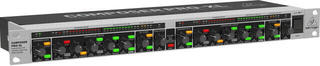
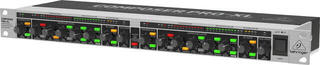
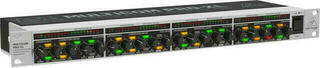
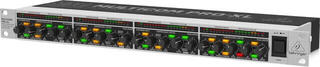
A compressor reduces level differences according to the set threshold and ratio, but the result is also affected by the time parameters and input level. A limiter is used to control peaks within the capabilities of the specific signal chain. A gate attenuates signals below a set level and can help with bleed, but an overly aggressive setting will cut off the beginning or decay of a note. Therefore, choose dynamics processors according to the number of channels, metering and the required method of control.
Equalization and feedback
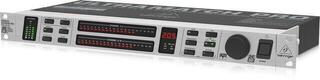
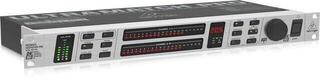
A graphic equalizer provides fixed frequency bands, while a parametric type allows more precise selection of the frequency, bandwidth and level change. Rackmount equalizers can be used to tune a monitor system or the main signal path, but they do not replace suitable microphone and speaker placement. Feedback occurs throughout the entire loop from the microphone to the speaker and back. Automatic intervention can help in a specific situation, but proper placement, a suitable level and sensible equalization remain the foundation.
DI box for instruments and longer cable runs
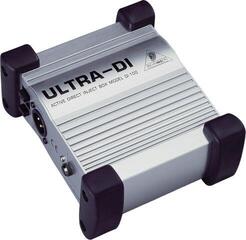
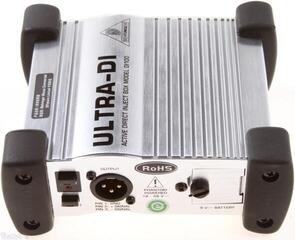
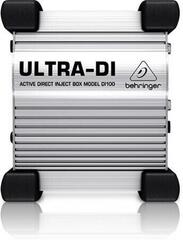
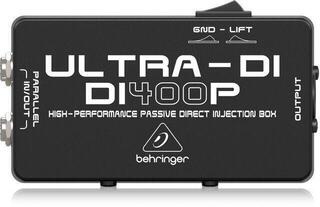
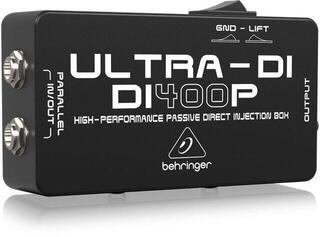
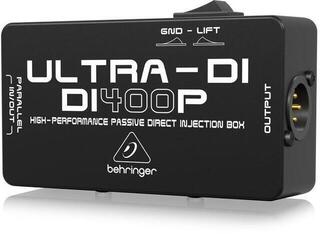
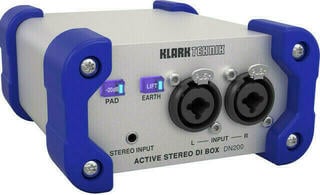
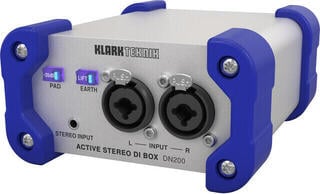
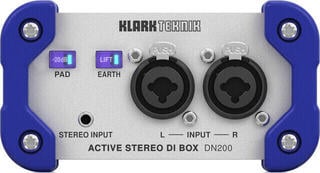
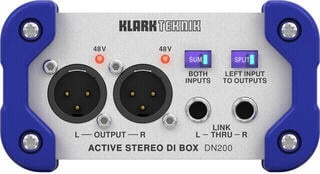
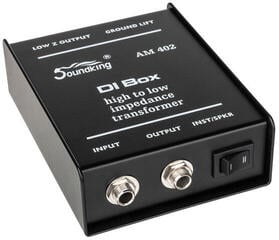
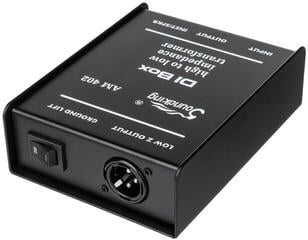
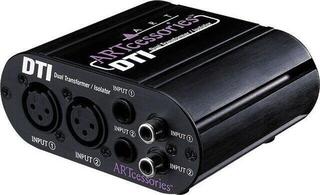
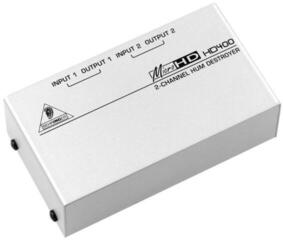
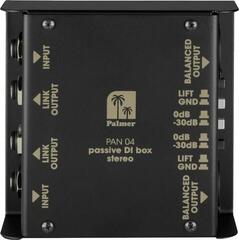
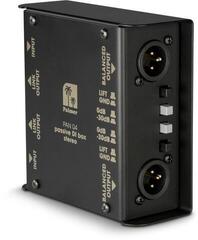
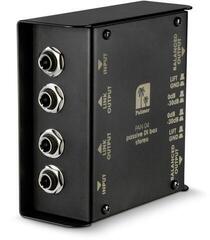
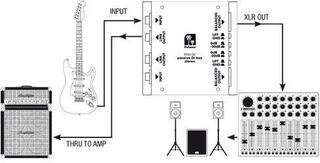
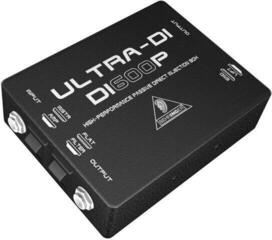
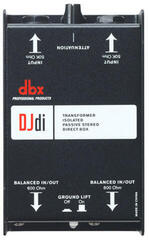
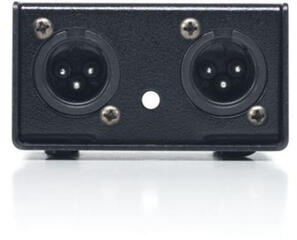
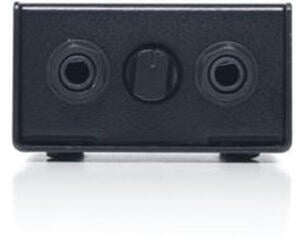
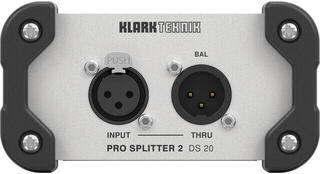
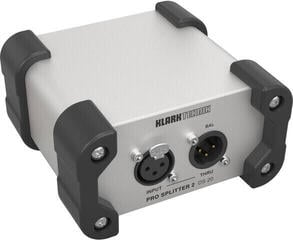
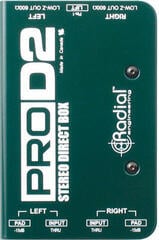
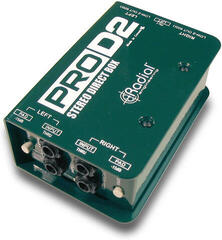
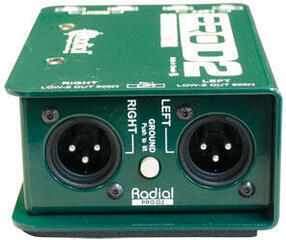
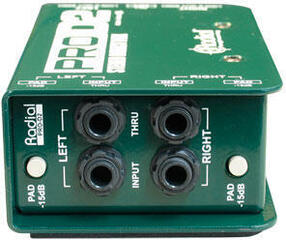
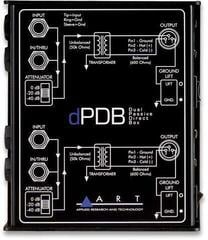
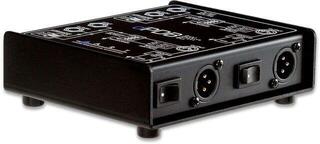
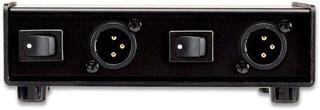
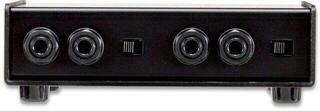
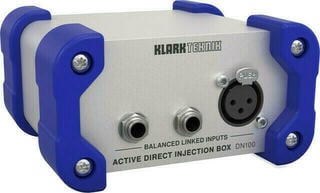
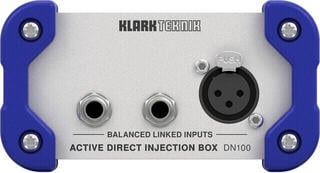
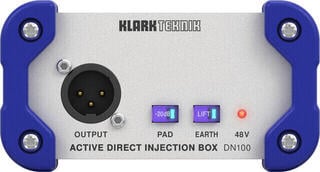
A DI box is used to connect an instrument or another source appropriately to a mixing console's microphone input and to carry the signal over a balanced line. An active type requires power, while a passive one operates without it; suitability depends on the source and the required connection. Practical features may include a thru output for an instrument amplifier, a pad or ground lift. A ground-lift switch does not resolve every cause of hum, so check the entire signal and power path if a problem occurs.
Rack, desktop device or foot control
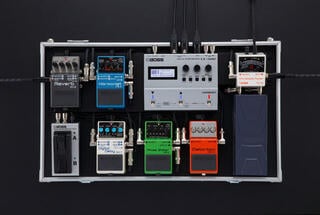
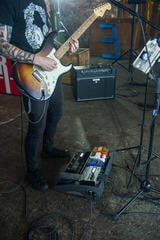
A rack allows you to combine multiple devices into one system, but you must account for rack height, mounting depth, ventilation and space for connectors. A desktop processor should be accessible to the operator without straining the cables. A floor unit or pedal enables switching while playing, with stable positioning and a suitable power supply being important. For each option, find out what happens after a power outage and whether the device restores the last setting.
- Compare XLR, jack and other connectors on both sides of the connection.
- Check the operating level, balanced or unbalanced signal path and number of channels.
- Measure the rack, including connector depth and cable bend.
- Check the mains adapter, phantom power or other required power source.
- For digital control, check the supported system, update method and ability to operate without a computer.
Multi-effects unit or separate devices?
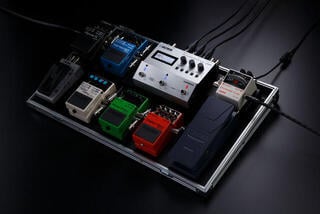
A multi-effects unit saves space and provides access to several types of processing in one device. Separate processors may offer more direct control, and you can replace individual components of the system independently. The deciding factors are how many effects you need simultaneously, how quickly you change settings and whether you need to save scenes. For live performance, test the transition between settings; for studio work, check the number of separate inputs and outputs and the remote-control options.
Safe connection procedure
- Mute the outputs and switch off the devices in the recommended order.
- Connect the input and output with suitable cables, without adapters that are not designed for the given signal.
- Set the operating level and first test the signal without substantial processing.
- Add one function at a time and compare it at the same perceived loudness.
- Monitor both input and output metering and leave headroom for unexpected peaks.
- Save or write down the finished setting and protect it from accidental changes.
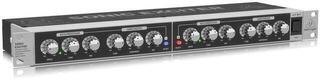
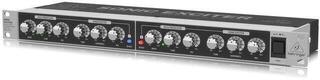
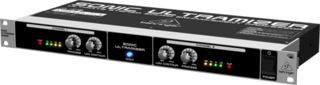
When powering several rack devices, a voltage stabilizer may help, but assess its function and limitations according to the specific model and the entire system. Use an enhancer or exciter sparingly and always compare the processed signal with the original at a similar loudness; a louder version may sound more convincing even without a genuine improvement. A processor is worthwhile when it addresses a defined task and its levels, connectors and controls match the rest of the system.
Deals & Coupons: Effects and Signal Processors
Unboxed: Effects and Signal Processors
Voice Processors
Multi-FX Processors, Reverb, Ddelay
Rack Equalizers
Crossovers, Loudspeaker Systems

Dynamic Processors
Feedback Destroyers
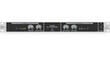
Sound Enhancers, Exciters

Di-Boxes
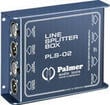
Splitters
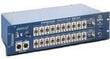
Patch Panels
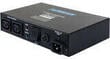
Power Conditioner