Albania
 Argentina
 Australia
 Austria
 Belgium
 Bosnia and Herzegovina
 Brazil
 Bulgaria
 Canada
 Chile
Chile
 Colombia
 Croatia
 Czech Republic
 Denmark
 Estonia
 Finland
 France
 Germany
 Greece
 Hungary
 Ireland
 Italy
Italy
 Latvia
 Lithuania
 Luxembourg
 Mexico
 Moldova
 Montenegro
 Netherlands
 New Zealand
 North Macedonia
 Norway
 Philippines
 Poland
 Portugal
 Romania
 Serbia
 Slovakia
 Slovenia
 South Africa
 Spain
Spain
 Sweden
 Switzerland
 Turkey
 Ukraine
 United Kingdom
 United States of America



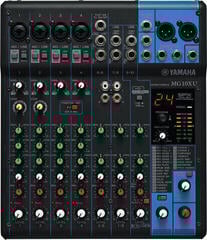
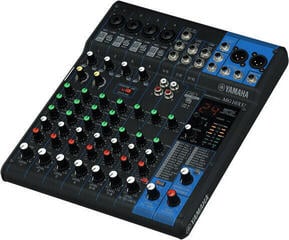
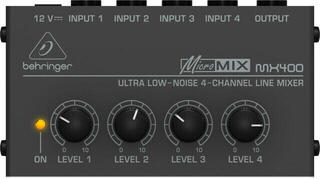
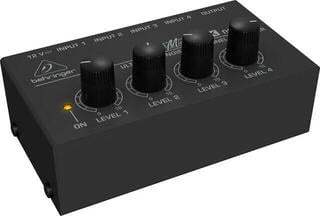
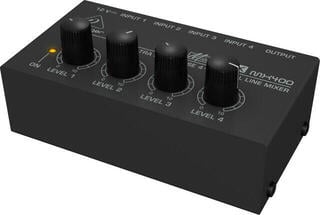
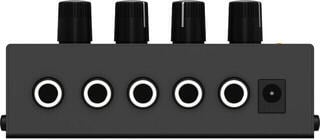
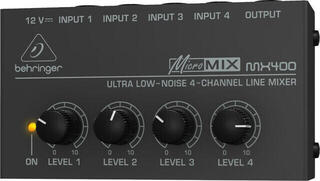
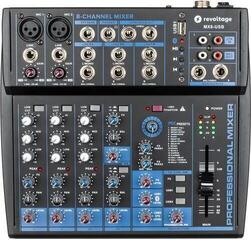
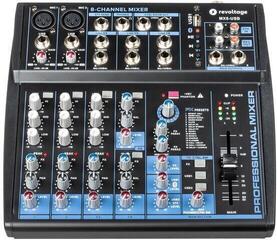
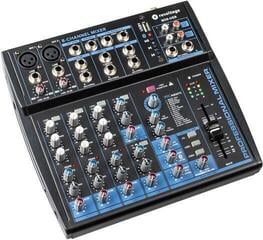
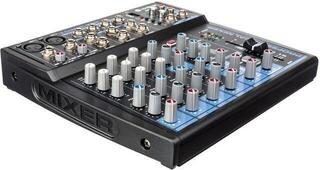
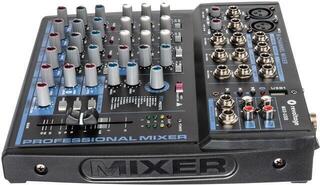
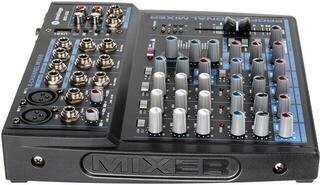
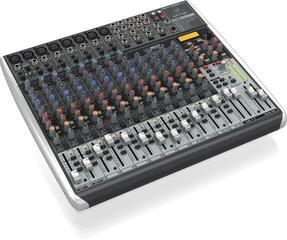
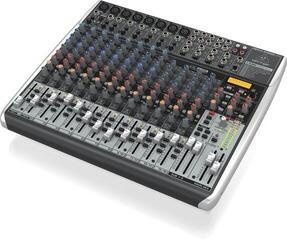
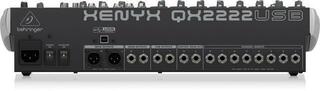
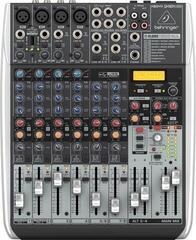
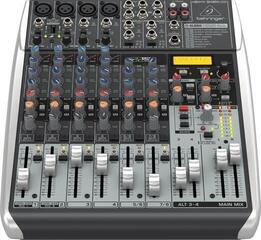
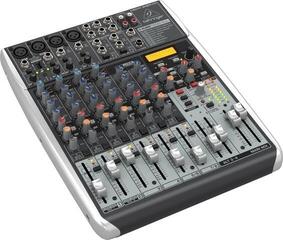
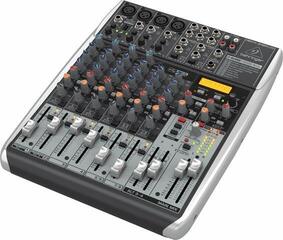
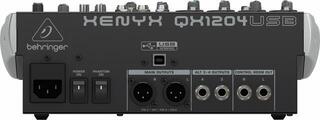
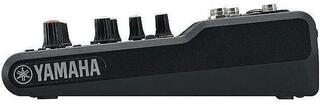
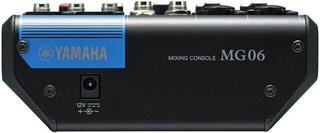
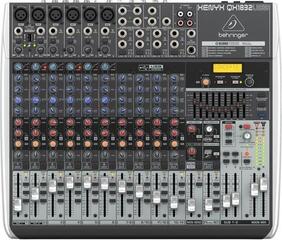
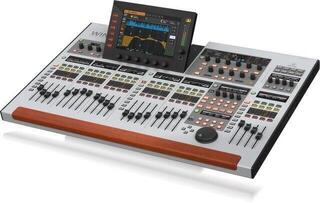
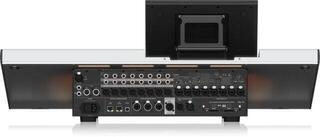
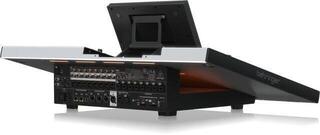
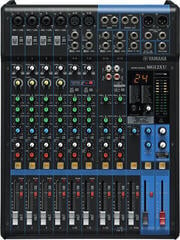
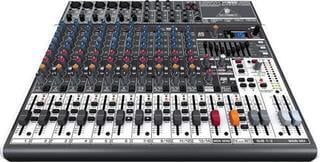
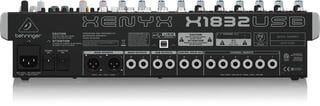
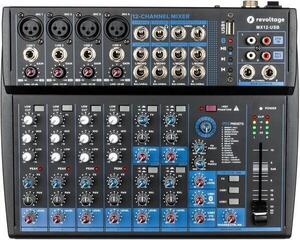
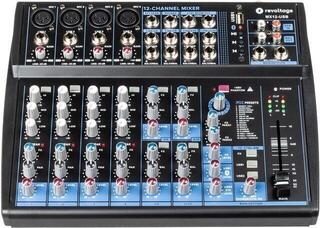
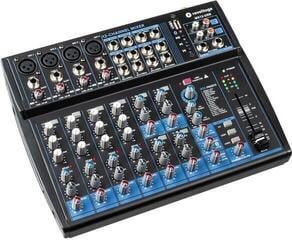
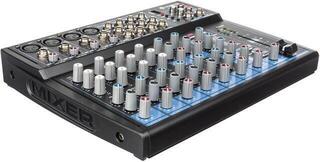
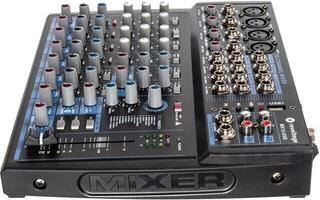
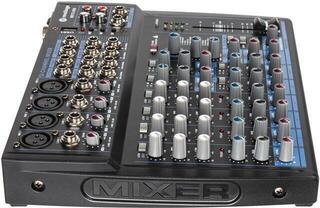
Mixing Desks
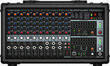
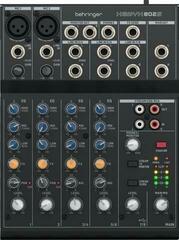
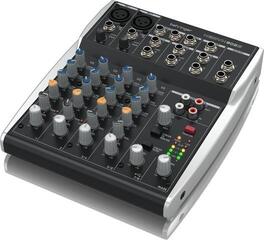
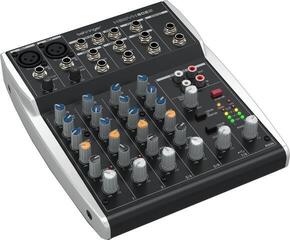
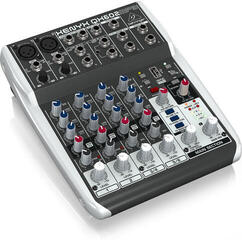
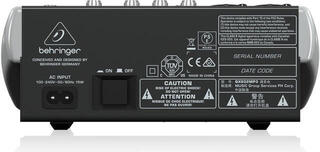
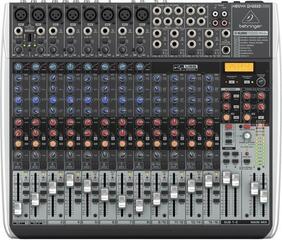
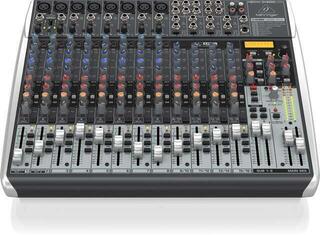
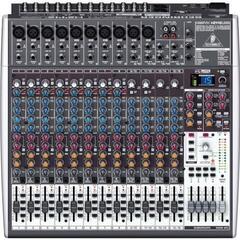
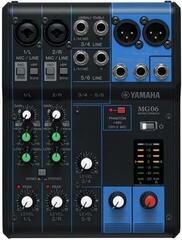
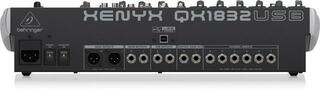
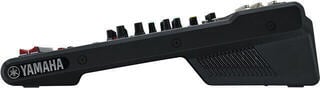
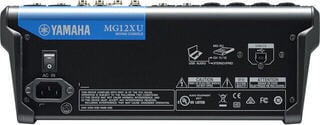
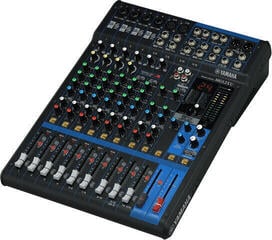
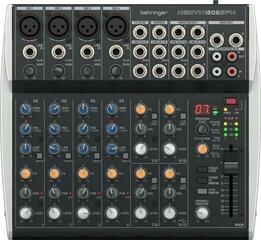
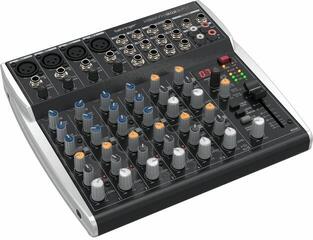
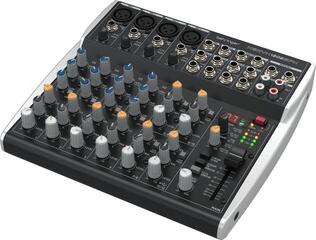
A mixing desk brings together microphones, instruments and playback devices, adjusts their levels and sends the resulting mix to the PA system, monitors or recording equipment. Two presenters, a band with stage monitors, a home studio and a DJ all have different requirements, so do not start by choosing on channel count alone. List your sources, the separate mixes you need, your recording method and the connectors you already use. This will show whether you need a simple analogue mixer, a digital console, a powered mixer or a device designed for a particular type of production.
Analogue or digital mixer
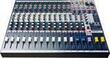
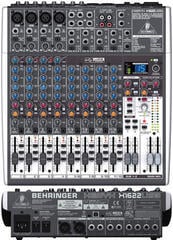
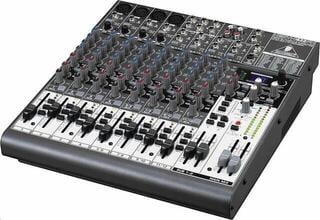
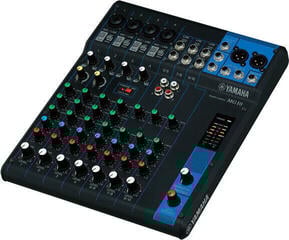
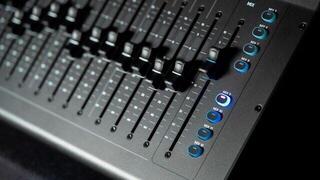
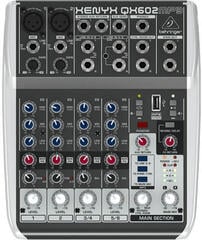
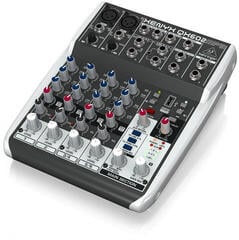
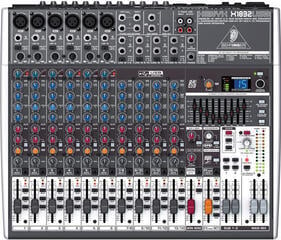
An analogue mixer provides most basic functions directly through dedicated controls. You can see changes without switching layers, which speeds up work with fewer inputs and quick adjustments during rehearsals. EQ options, the number of auxiliary buses and built-in effects vary between models. When expanding your system, the fixed number of physical channels and outputs can become a limitation.
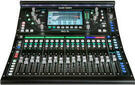
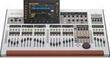
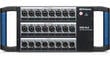
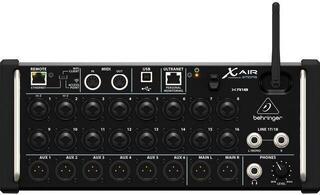
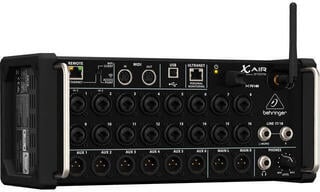
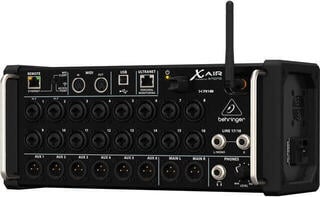
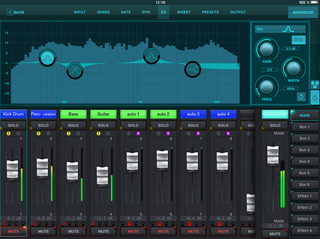
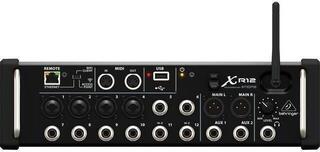
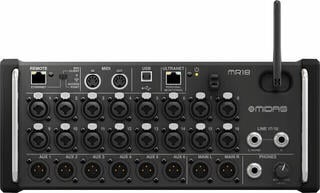
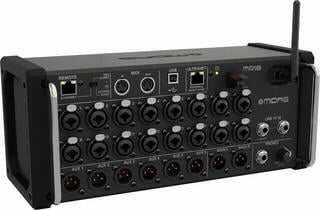
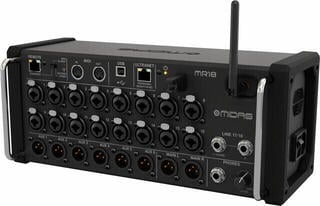
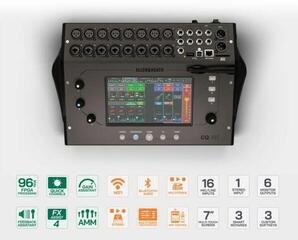
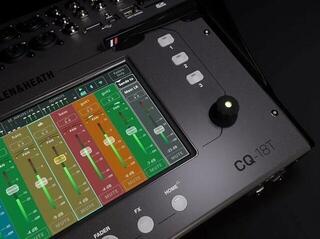
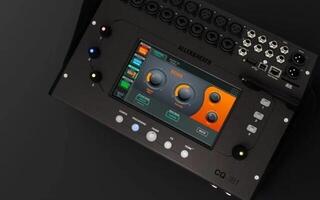
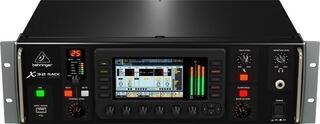
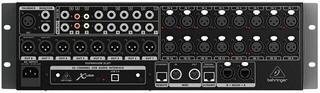
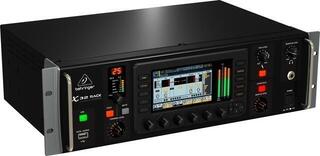
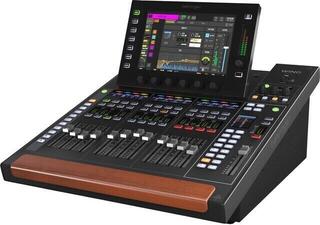
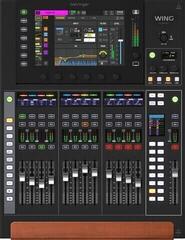
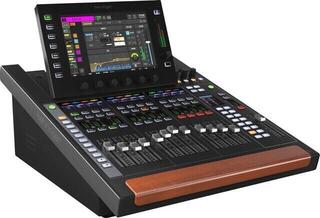
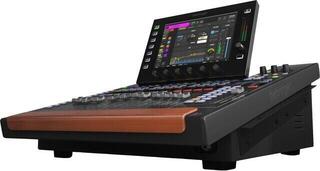
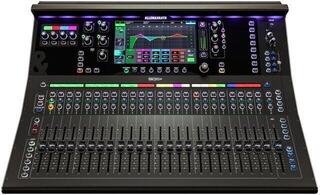
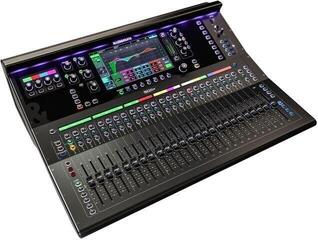
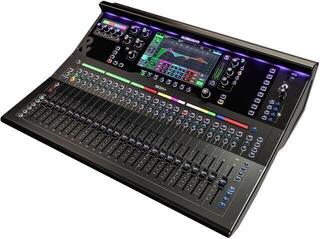
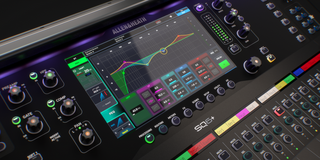
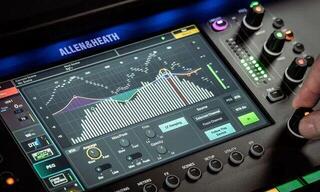
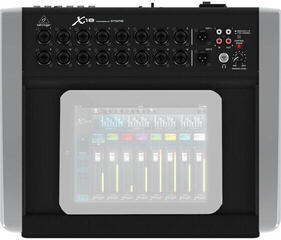
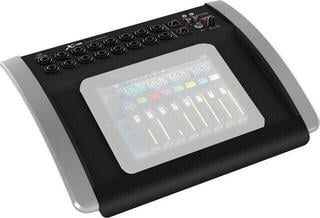
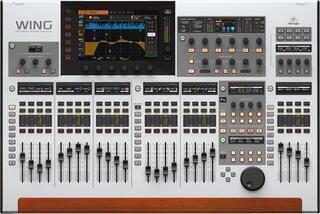
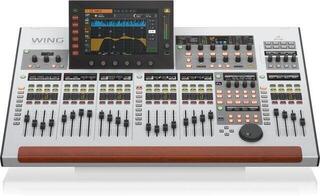
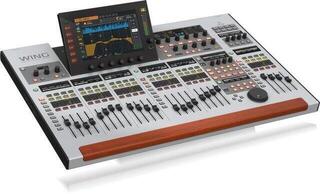
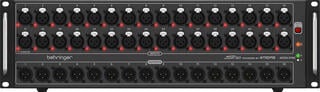
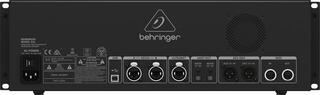
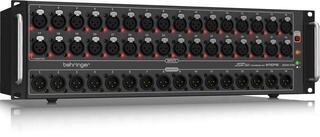
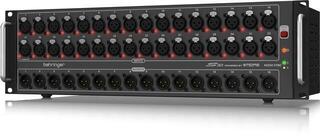
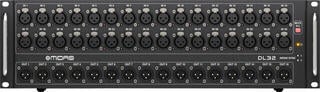
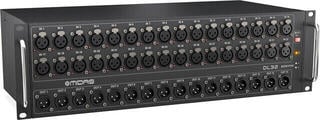
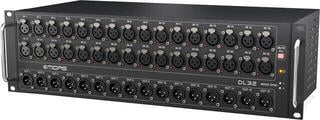
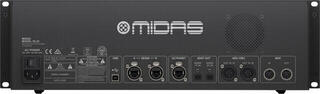
A digital mixer usually stores settings, offers more extensive routing and signal processing, and may support remote control. However, functions are often spread across layers or menus, so prepare your workflow before using it live. Some systems accept remote inputs through a stagebox; check protocol, connector and firmware compatibility for your particular system.
| Design | Strength | Possible limitation | Suitable setting |
|---|---|---|---|
| Analogue mixer | Direct access to controls | Fixed routing and processing capabilities | Rehearsal room, smaller PA system |
| Digital mixer | Scene storage, layers and processing | Requires familiarity with the interface and data management | Band, theatre, multiple monitor mixes |
| Powered mixer | Mixer and power amplifier in one device | Must be matched to passive speakers | Compact passive system |
| DJ mixer | Playback, crossfading and cue monitoring | Does not replace a multi-input mixer for a band | DJ booth |
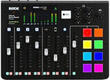
| Podcast mixer | Control of voices, return feeds and playback elements | Specialist features may not help on stage | Podcasts and spoken-word formats |
Getting channel counts right
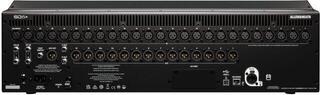
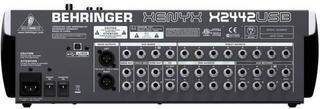
A model name does not necessarily tell you exactly how many microphones you can connect. A stereo input may count as one control channel even though it processes a pair of signals; an effects return or playback device can occupy another signal path. Count physical microphone preamps, line inputs and digital inputs separately. Leave reasonable spare capacity for a guest, another instrument or recorded playback.
Inputs and preamps
A dynamic microphone, condenser microphone, keyboard, guitar through a DI box and playback device send different types of signal. Check that the mixer provides the inputs, phantom power and gain range you need. Switch on phantom power only after making the correct connections and in accordance with the equipment's requirements. A high-impedance instrument may need a dedicated input or DI box even if its plug physically fits elsewhere.
Outputs and monitor paths
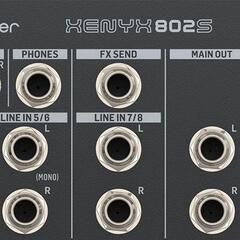
The main stereo output is only the beginning. A band may need several independent auxiliary buses for stage monitors or headphone systems, the engineer a separate monitor feed, and the recording equipment its own pair of outputs. Find out whether the monitor feed is taken before or after the channel level control. This determines whether a change to the main mix affects the performer.
Signal processing in practice
- Input gain: sets the level before further processing. Too little increases noise; too much causes clipping.
- High-pass filter: can remove unwanted low-frequency noise from sources that do not need deep bass.
- EQ: helps shape tone and separate instruments. Heavy adjustment often points to a problem at the source or with microphone placement.
- Compressor and gate: control dynamics; incorrect settings can suppress a note's attack or emphasise noise.
- Effects: reverb or delay may be built in or external. Check how the effect is sent and returned to the mix.
- Groups and matrices: make it easier to control several channels together and distribute sound to additional zones.
Live sound, studio and broadcasting
A mixer for the stage
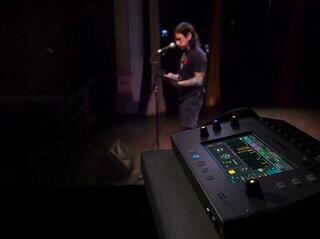
At a concert, you need quick access, enough monitor paths and clear level metering. A stagebox reduces the bundle of analogue cables between the stage and the mixing position, but it is not a universal expansion for every digital mixer. For wireless control, prepare a dedicated, reliable network and retain a way to make adjustments if the control device fails.
Recording over USB
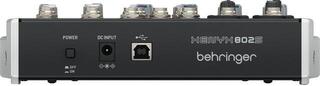
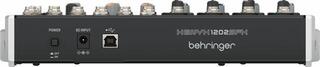
A USB mixer may send only the finished stereo mix to a computer, or it may send multiple separate channels. This matters if you want to mix the recording later. Check the supported operating system, drivers, number of simultaneous inputs and outputs, and highest available format. An audio interface may be better suited to recording a smaller group independently, while a digital recorder suits recording without a computer.
DJing and podcasting
A DJ mixer mainly handles playback channels, cue monitoring, crossfading and, depending on the model, effects. A podcast device can simplify connecting multiple voices, a caller, headphones and sound pads. Neither automatically replaces a live sound console. Choose according to the signal path you actually use.
Before the first sound
- Turn down the main and channel levels, then connect sources to the appropriate inputs.
- Set the input gain for each channel using the loudest expected passage.
- Enable filters and make only necessary EQ adjustments; first address the source through microphone placement or instrument settings.
- Create monitor mixes at a safe volume and check for feedback.
- Gradually add channels to the main mix and listen from the audience area.
- On a digital mixer, save the scene and label its version, but check which settings will be restored before recalling it.
A larger mixer will not fix poor input gain settings or confusing connections. Other common problems include incorrect input gain, excessive EQ, unlabelled cables, unclear routing and setting up monitors only after the main mix. An input list, connection diagram and a name for each channel will help. Keep the desk organised; during a performance you need to find a problem in seconds.
Accessories and placement
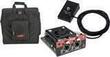
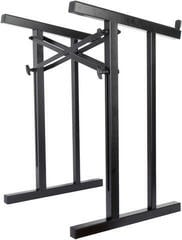
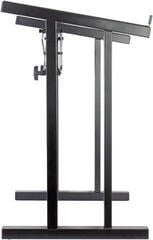
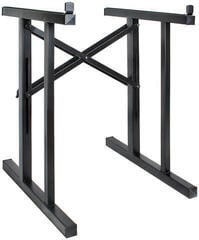
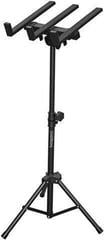
A mixer needs a stable work surface or stand with suitable load capacity and dimensions. For transport, use a bag or case that keeps pressure off sensitive controls. Add suitable signal cables, splitters according to the system design and backup media for saved data. For rack accessories, check width, height and access to connectors.
Before ordering, draw a simple plan: assign an input to each source, an output to each listener or zone, and the required track to each recording. If everything fits with spare capacity and the controls make sense to you, the mixer suits the job. Features you cannot place in this plan may not justify a more expensive or complicated model.